Live chat for Joomla sites, free to start
txt.me brings live chat for Joomla through a native plugin you install from the Joomla control panel. Chat, email and WhatsApp arrive in one app, conversations stay in one thread for years, and you can start free with one agent.
Why Joomla sites need their own chat plugin
Joomla is a free, open-source content management system that has been around since 2005, and it runs plenty of membership sites, local government pages and small business sites with complex menus. Many chat tools only offer a generic code snippet. That works, but it means editing a template, and the next template update can quietly remove the chat.
A native plugin avoids that problem. It survives template changes and keeps the setup in the Joomla panel, where the person who runs the site already works.
Live chat for Joomla with the whole txt.me inbox behind it
Cross-platform apps
Answer from the office on Windows or macOS, or on the go with the iPhone and Android apps.
Omnichannel conversations
A customer can close the browser and continue by email or WhatsApp. Every message shows up in the same thread.
Uninterrupted history
Visitor identification keeps the history together, even if the last message was months ago. One client, one chat.
How to install the txt.me plugin on Joomla
- Create a txt.me account if you don't have one.
- Create a widget in your member area, add your operators and set the widget's style.
- Read the Joomla installation guide.
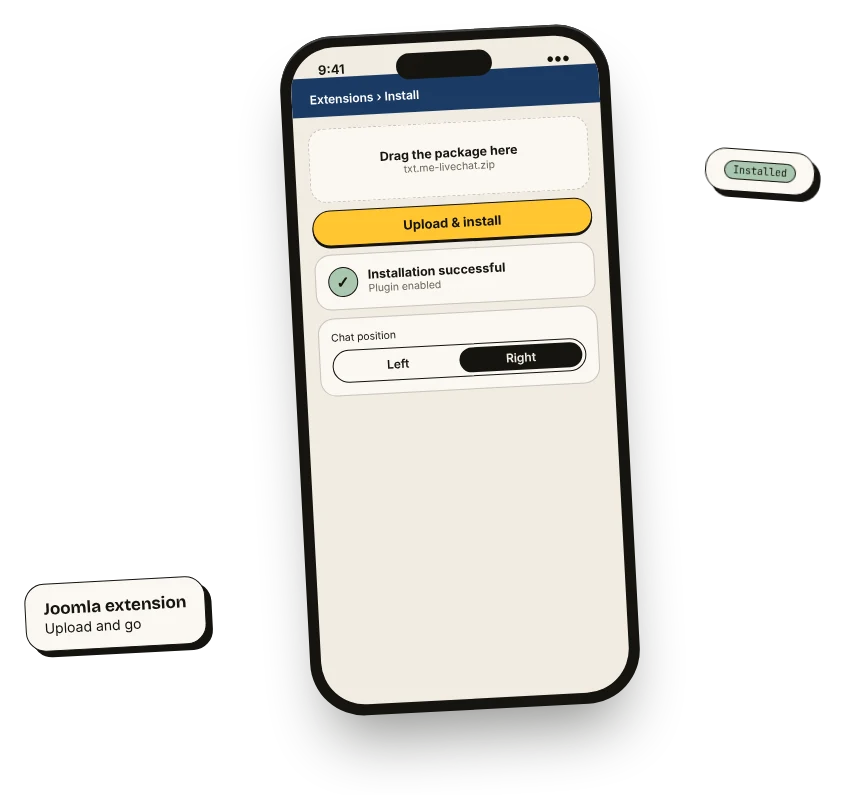
- Install the txt.me plugin from your Joomla control panel.
- Download the txt.me app for your computer or phone.
- Send a test message to check everything works.
Fair pricing for Joomla sites
Stay on the Free plan as long as you like. It includes the cross-browser customizable widget, unlimited history, email to offline visitors, attachments and screenshots, and the callback form. When you add a second agent or want the AI agent, Pro costs $19 per agent a month and adds a white-label chat box, your own email domain, WhatsApp and the reviews collector. See the full live chat pricing.
Frequently asked questions
How do I add live chat for Joomla?
Is the Joomla plugin free?
Do I need to edit my Joomla template?
Can customers continue the chat later?
Put an AI agent and a real person on your website chat
Start free with one agent and unlimited chats. Add the AI agent, WhatsApp, email and Human Backup operators when you need them.