How to Find Chat Box HTML Code for Your Live Chat Widget
If you’re ready to add a txt.me live chat widget to your website, you’ll need its chat box HTML code. This guide shows where to find the widget’s Installation tab and how to copy the code.
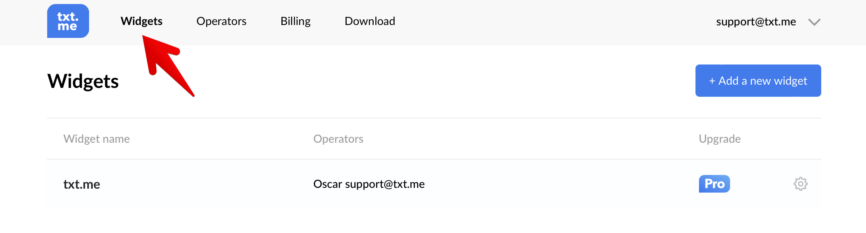
Step 1: Go to widgets page
Head over to your txt.me dashboard and open the widgets page or the txt.me dashboard.
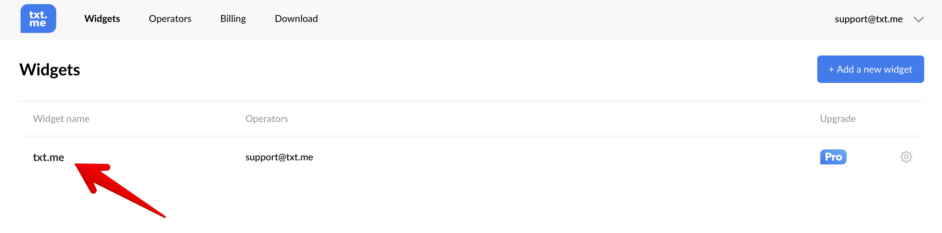
Step 2: Click on the widget you want to install
If you haven’t created a widget yet, please create it by clicking on the Create Widget button.
Step 3: On the Widget’s page, open the Installation tab
Step 4: Copy the chat box HTML code
Copy the chatbox html code to your clipboard using the Copy the code button or ctrl+c on your keyboard.