Set Up a Proactive Chat Invitation for Your Website
A proactive chat invitation can greet website visitors before they start a conversation. This guide shows you how to turn on welcome text in your widget settings, choose a delay, write a greeting, and save your changes.
Positive first impressions are an essential part of the journey of forging a potent relationship with your potential customers. Welcome messages are a creative and effective way of indulging a customer, realizing their needs, and using your products accordingly.
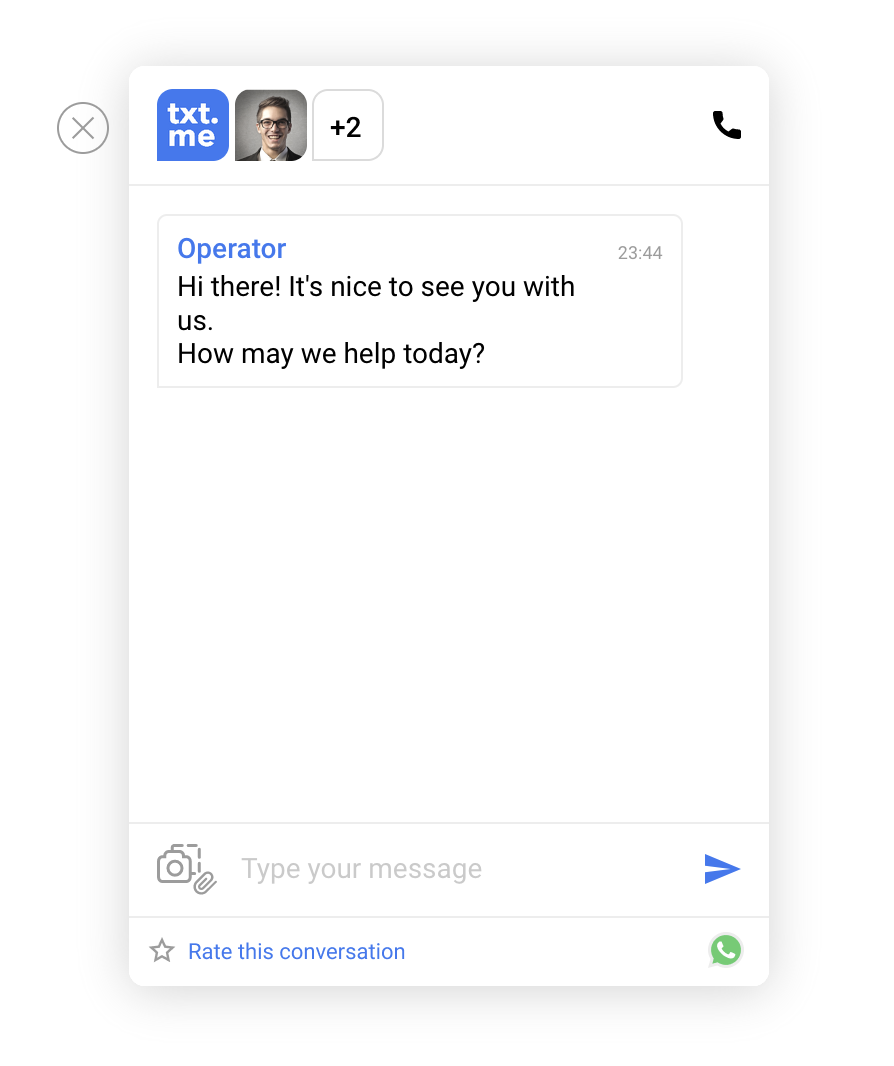
Changing the Welcome Text for a Proactive Chat Invitation
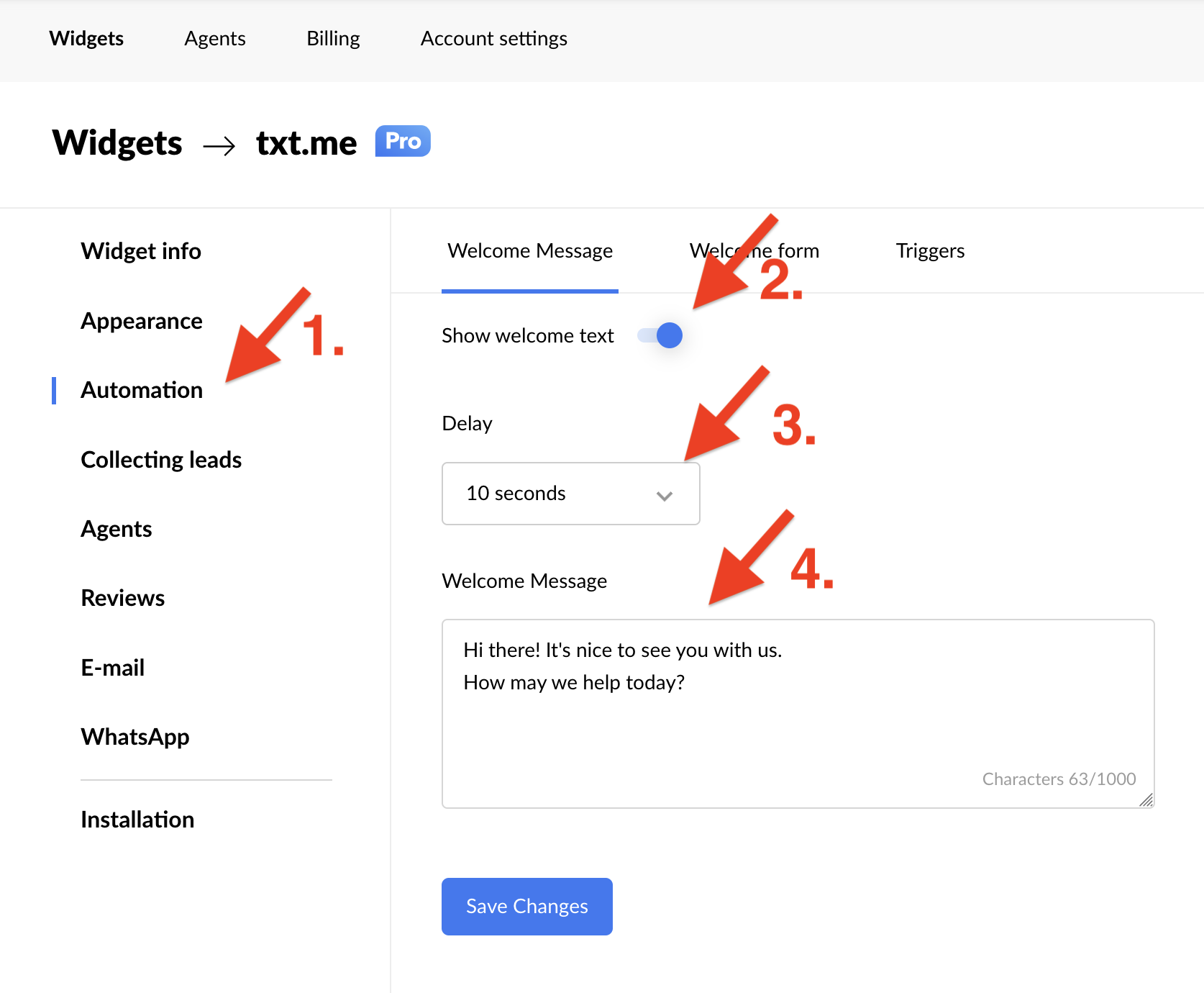
Open your widget’s settings page and follow the next steps:
Open the Automation section
Turn on the “Show welcome text” switch
Set the delay. 10 seconds makes it look natural
Write your own personal message to your customers
Save the Changes
Do you want to learn more about greeting clients properly?
Try reading our piece 10 Best Welcome Messages for Customers [Examples & Templates]