A live chat widget that looks like part of your site
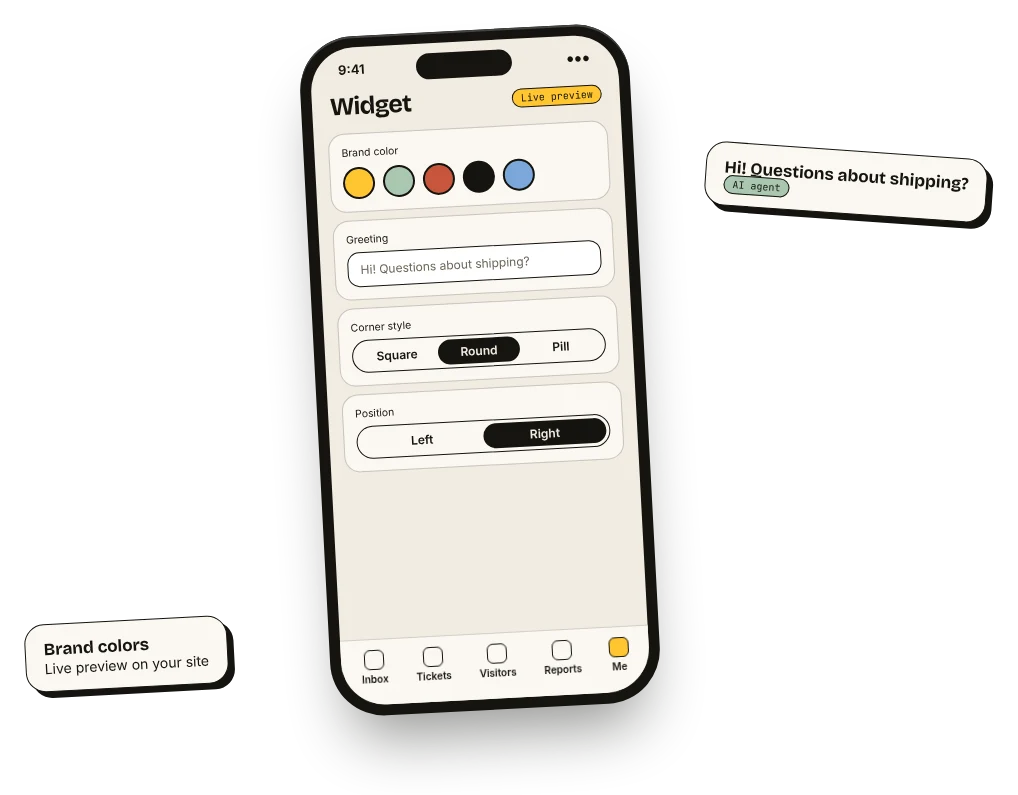
The txt.me live chat widget installs with one snippet and takes on your brand: fonts, colors, icon, button position and the face of the agent who answers. It works in every modern browser, on desktop and mobile, and it's free for one agent with unlimited chats.
Why a generic chat box costs you conversations
A chat button that clashes with your design looks like an ad, and people have learned to ignore ads. A widget with a stock avatar and "How can we help?" reads like a bot, so visitors with a real question go to the contact form instead (or to a competitor's site).
The fix is mostly visual and takes an afternoon. A live chat widget in your own colors, with a real person's photo and a greeting that mentions the page the visitor is on, looks like part of the service. That's what gets people to type.
How to customize your live chat widget
Fonts, colors and icon
Choose the font, colors, chat icon, corner radius and shadow so the widget matches your site.
Agent avatars
Show the photo and name of the person answering. It tells visitors they're talking to someone real.
Button position
Place the chat button on the left or right of the screen, so it doesn't cover your own buttons.
Live editor
Every change shows up in a preview as you make it. In online mode, you see it on your own site straight away.
Screenshots and attachments
Visitors send files and a screenshot of the page they're on, so the conversation stays in one place.
Callback request form
Visitors can ask for a phone call from the widget when they'd rather talk.
Omnichannel
The same conversation continues by email or WhatsApp after the visitor leaves the site.
Customer feedback
Ask for a star rating when a chat ends. Low scores go straight to your team. See collect reviews.
Any language
Translate every text in the widget, or let it follow the visitor's browser language.
Triggers: the widget speaks first
Most visitors won't open a chat on their own. Proactive triggers let the widget start the conversation at a sensible moment, and they're where much of the widget's value comes from.
Two examples that work for most sites:
- Pricing page, 20 seconds. "Want a quick breakdown of which plan fits your team?" A visitor who stays that long is comparing options.
- FAQ page. "Didn't find your answer? Ask us here." Someone reading the FAQ already has a question.
You can set a trigger to appear anywhere between 10 seconds and one hour into a visit, and choose between page notifications, chat rescuers and advanced triggers with custom conditions. There's more on this in proactive chat and the lead generation chatbot page.
Turn chats into contacts, even when you're offline
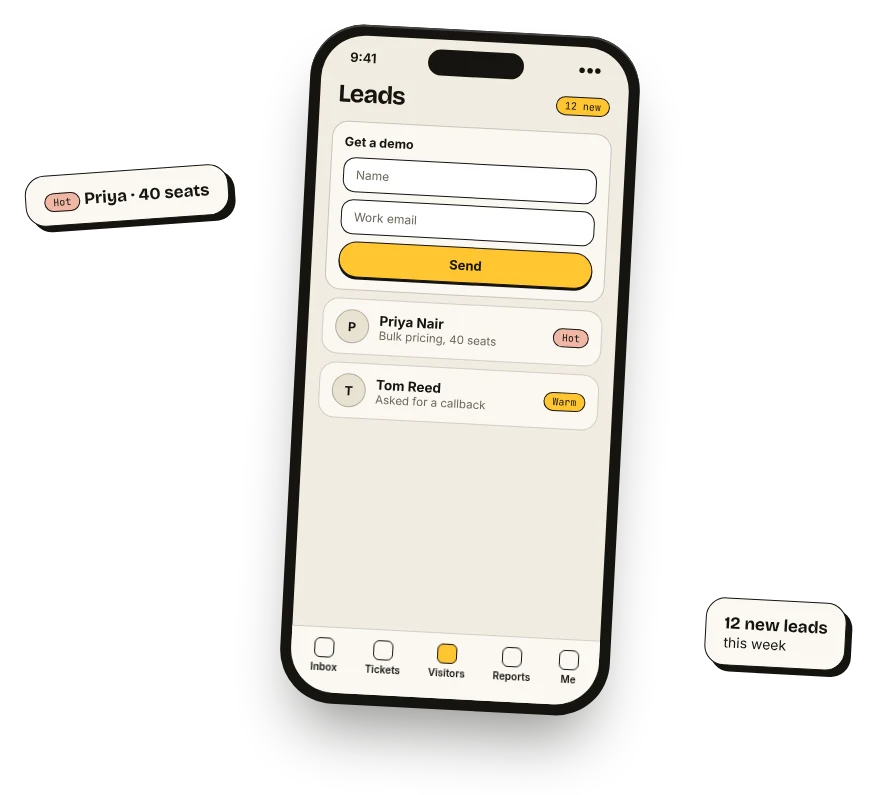
The widget can ask for a name, email address and phone number before or during the chat, plus any extra question you need. If nobody is online, the offline form takes the message and your reply goes out by email when you're back. The conversation is the same thread either way, so the customer never starts over.
Install the live chat widget in three ways
HTML code
Create an account, open Widgets, select or add a widget and copy the code into the head section of your site. Step-by-step guide.
Your CMS
Guides for WordPress, Shopify, Joomla, Wix, Squarespace, PrestaShop and more.
Google Tag Manager
Add the widget as a custom HTML tag without touching your theme. See the Tag Manager guide.
Frequently asked questions
What is a live chat widget?
How do I get the widget code?
Will the widget slow my site down?
Can I have different widgets on different sites?
Can I remove the txt.me branding?
Put an AI agent and a real person on your website chat
Start free with one agent and unlimited chats. Add the AI agent, WhatsApp, email and Human Backup operators when you need them.