Customer service automation that solves the right problems
A practical guide to automating routine support, setting limits on AI actions, and measuring solved problems without making human help harder to reach.
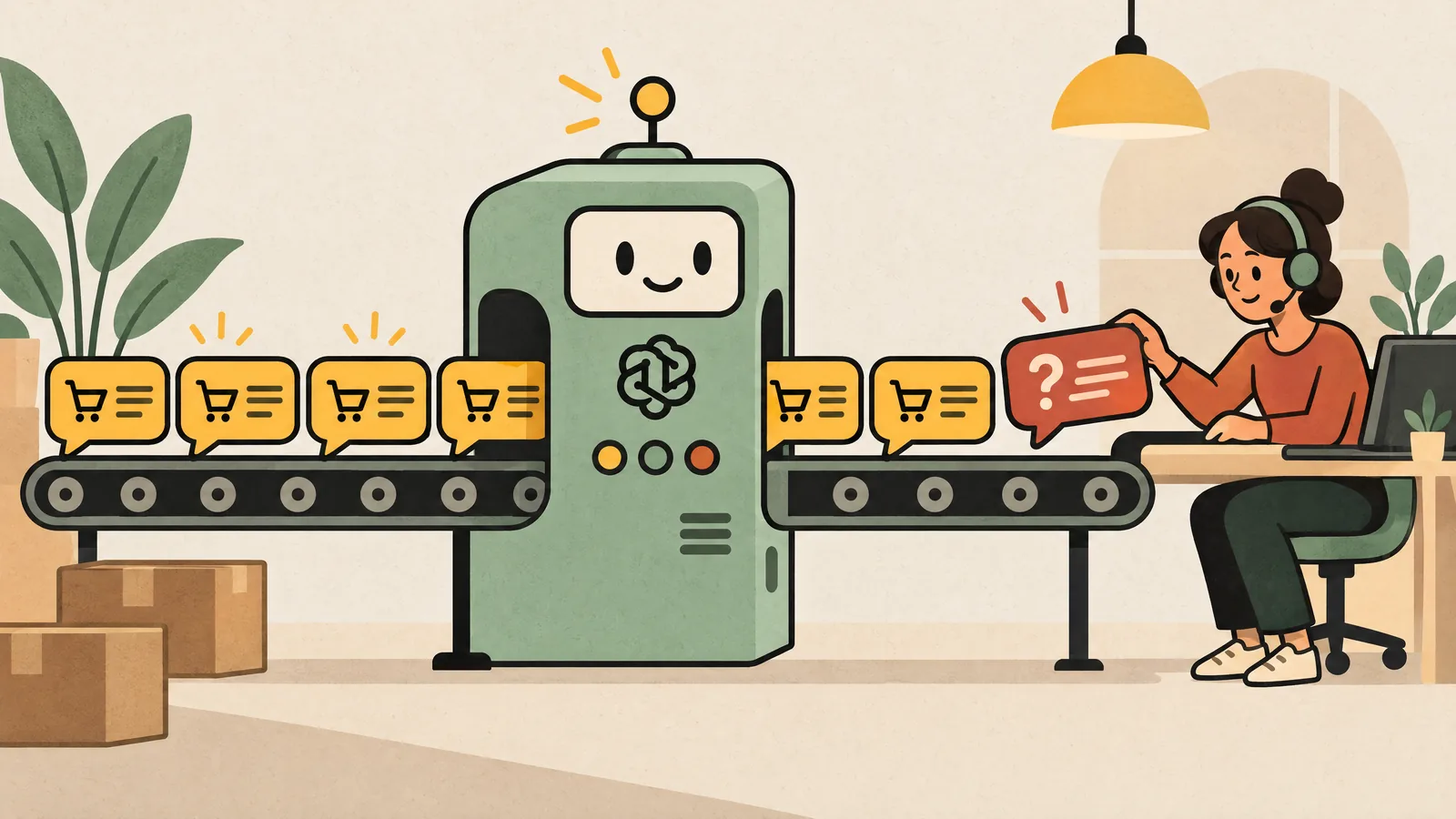
Customer service automation uses software to answer routine questions, perform permitted support tasks, and route issues without a person handling every step. It includes rule-based workflows, self-service content, and AI assistants. The useful boundary is the task: software can explain a return policy while a person decides whether an unusual return deserves an exception.
Say a candle shop in Tucson sells $28 candles and gets 400 website visits a day. Customers ask about shipping, damaged jars, and gifts arriving late. Those questions may look similar in an inbox, but they don't carry the same consequences. Automating all of them under one rule would be a mistake.
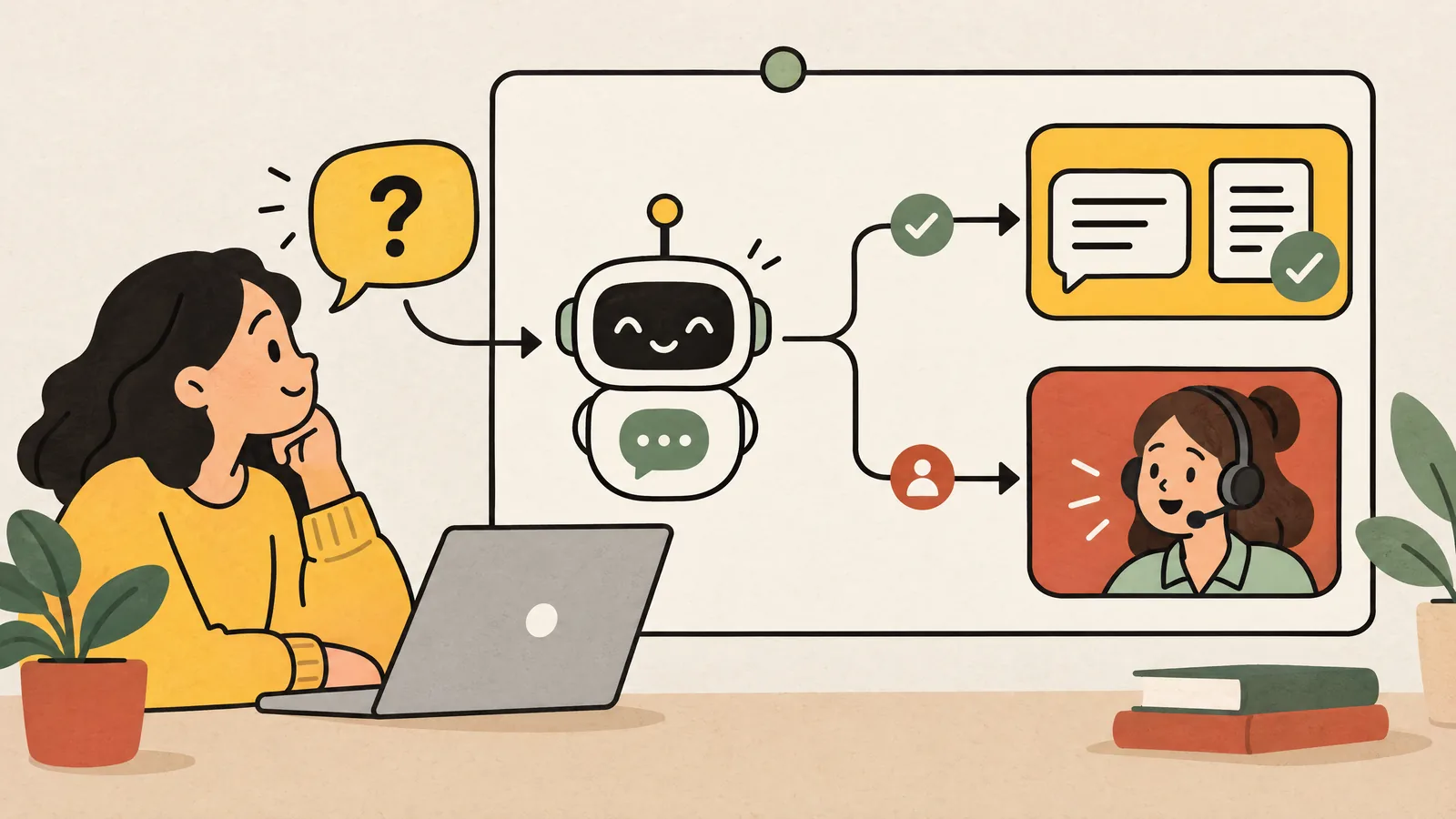
That distinction explains txt.me's role: it's a live chat platform that combines AI answers from a business's own knowledge base with human operators, passing conversations to a person when the AI is unsure, the customer asks, or money or complaints are involved.
What customer service automation can do
A support queue mixes answering with administration. Your team might spend a morning repeating delivery policies, moving emails between departments, and asking customers for an order number. Each activity needs a different kind of automation, so buying an AI chatbot won't necessarily address the work that's slowing you down.
Rules are useful when the next step is fixed. AI is useful when people describe the same need in different words. A searchable help page may beat both if the customer only wants a clear answer.
| Approach | Concrete job | Boundary to set |
|---|---|---|
| Self-service content | Explain candle care or shipping options | Show the current policy and a contact route |
| Rule-based workflow | Route a damaged-item request to the support queue | Don't mark routing as resolution |
| AI answer | Explain which published return rule applies | Escalate missing or conflicting information |
| Connected action | Retrieve an order's shipping status | Verify identity and confirm the lookup succeeded |
The table separates capabilities that sales demos often bundle together. An assistant that writes a convincing status update doesn't necessarily have access to your order system. Without that connection, it can explain how tracking works but can't know where a particular package is.
The chatbot versus live chat comparison can help clarify which conversations need a person. For implementation, you can start with the bottleneck: answers, routing, or actions. That prevents a small team from paying for capabilities it can't safely use yet.
How to choose tasks by consequence, not volume
The most frequent request isn't always the safest first project. A wrong opening-hours answer causes inconvenience; a wrong cancellation can destroy an order the customer still wants. Frequency tells you how much work a task creates. It doesn't tell you who should have authority over the outcome.
A useful first candidate has a stable answer, a reliable source, and a cheap recovery path. In the hypothetical candle shop, a published gift-wrap policy fits. A refund for jars broken during transit doesn't: the operator may need photos, replacement inventory, and authority to make an exception.
You can sort recent conversations into answers, account lookups, and decisions. Then record what would happen if each response were wrong. This gives you a practical priority list without pretending every support request has equal risk.
An answer needs evidence; an action needs permission
Customers often blend the two. “Can I change the address?” asks about a policy. “Change it to my office” requests an action. If your assistant treats both as ordinary text generation, it may promise a change that never happens.
For connected actions, your workflow needs an identity check, clear permission, and a success response from the system that owns the record. Failed requests should remain unresolved. A second attempt also needs protection against duplicate changes, particularly if the customer sends the same message twice.
You don't need unrestricted autonomy to save time. An assistant can collect the new address and prepare a request for approval. That's less dramatic than an instant change, but it removes back-and-forth while keeping the final decision with someone who can check fulfillment status.
Reliable answers start with maintained knowledge
A bot can answer quickly from an outdated page. The damage becomes visible when a customer presents its response as a promise: “Your chat said holiday returns last 60 days.” Faster delivery of stale information just spreads the error sooner.
NIST's 2024 Generative Artificial Intelligence Profile identifies confabulation: generated responses can confidently present false information. It also recommends checking sources during pre-deployment testing and ongoing monitoring. Connecting an assistant to your help content reduces one information gap; it doesn't guarantee correctness.
For your first workflow, each approved answer can have a source page, an owner, and a review date. When a promotion ends, that owner updates the policy and tests the questions customers are likely to ask about it. A weekly check is useful during frequent changes; stable product-care content may need less attention.
Conflicting sources deserve a stop rule. If an old FAQ and a newer policy disagree, the assistant shouldn't choose whichever wording sounds friendlier. It can explain that the policy needs confirmation and send the question to a person.
Public knowledge and private records need different controls
A return policy belongs in shared help content. A customer's address doesn't. Mixing account records into a general answer library risks revealing private details to the wrong visitor.
You can keep public answers separate from authenticated lookups and give each integration only the access its task requires. Order-status retrieval doesn't need permission to issue refunds. Logs can retain an order reference rather than complete payment details; retention and access rules should match your business's actual needs.
Customer inputs need care too. W3C's 2023 WCAG 2.2 standard requires labels or instructions where content accepts user input. An order lookup should explain which identifier it needs and how to enter it. That's one accessibility requirement, not proof that the entire chat is accessible.
A handoff needs a person who can act
“Connecting you” is a poor answer if nobody owns the queue. A customer with a broken candle jar may have already uploaded a photo and explained the problem. Making them repeat those details increases effort without bringing the replacement any closer.
The CFPB's 2023 report on chatbots in consumer finance documents repetitive loops and obstacles to timely human assistance. Its setting is financial services, not retail. The operational lesson still applies: a fallback is useful only if it provides a reachable route to help.
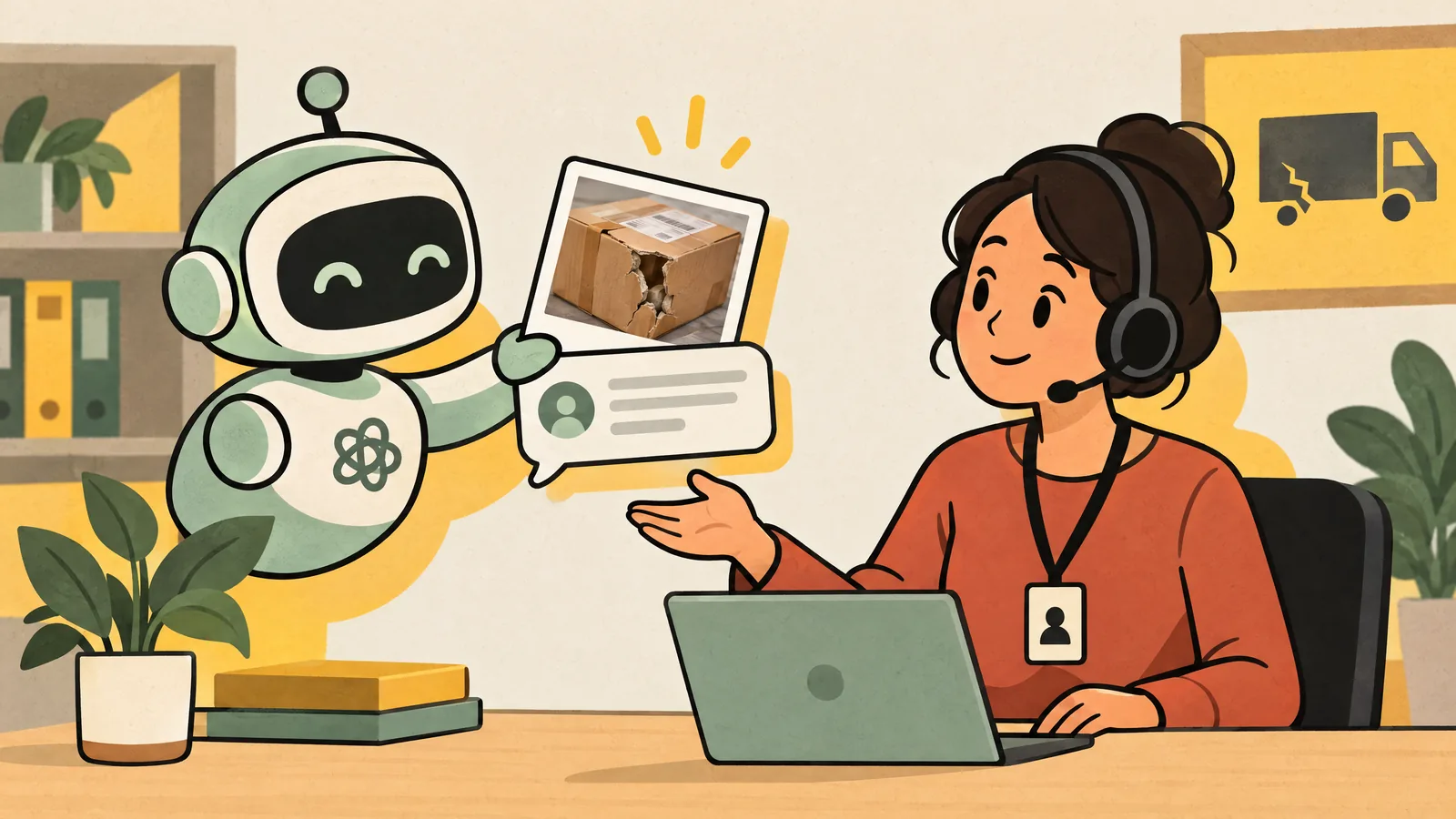
A handoff packet can include the customer's request, relevant messages, verified order reference, and actions already attempted. It should distinguish retrieved facts from the assistant's assumptions. Otherwise, a confident but incorrect summary becomes the next agent's starting point.
Your helpdesk ticketing system can preserve notes and route unresolved issues to the right queue. But ticket creation alone doesn't settle ownership. The queue needs a named team, an expected response window, and a rule for what happens when that window is missed.
Customers shouldn't have to argue their way out of automation. Requests for a person can trigger an immediate handoff; repeated failed answers can do the same. Sensitive complaints deserve review even if the assistant appears confident.
If your team doesn't cover evenings, the choice is honest asynchronous support or staffed coverage. Human Backup provides trained English- and Spanish-speaking operators in shifts, with 24/7 coverage available when needed. Whichever staffing model you use, the message customers see should match the help actually available.
A closed chat isn't a solved problem
A dashboard may show fewer agent conversations while customers quietly leave and email again. That isn't a saving. It can mean the work moved to another channel, where somebody has to reconstruct the same issue.
Containment means an interaction stayed within automated support without a human taking over. Deflection rate estimates contacts avoided through self-service or automation. Neither automatically proves resolution, and vendors may define their denominators differently.
For a useful baseline, your reporting can separate answered questions, completed actions, transferred issues, and abandoned conversations. A shipping lookup counts as complete after a successful retrieval and an answer to the customer's question. A refund request remains open until the decision or transaction is confirmed.
Repeat contacts add another check. Here's an illustrative calculation, not a benchmark: 200 eligible conversations enter a pilot. The system initially classifies 120 as resolved without an agent, but 20 later require human help for the same issue within seven days. No abandoned chats count as resolved in this example.
Initial containment is 120 ÷ 200 × 100 = 60%. After those repeat contacts, durable containment is (120 − 20) ÷ 200 × 100 = 50%. That second figure is still an operational measure, not proof of customer satisfaction. Some unresolved customers never return.
A weekly sample review can check source accuracy and actual task completion. Customer feedback adds context, though people who answer a survey may differ from those who don't. The customer service metrics guide can help place these checks beside workload measures rather than treating containment as the whole scorecard.
Human access deserves its own measure. If time to reach an agent worsens while containment rises, your automation may be moving easy work away and leaving a smaller but harder queue understaffed.
What savings can you reasonably expect?
A lower ticket count doesn't automatically lower payroll. Salaried agents may use freed-up time on harder issues, and new maintenance work can consume part of the gain. So your business case needs to distinguish capacity freed from cash you can actually stop spending.
Using the hypothetical pilot above, suppose each of the 100 durably contained conversations would otherwise require six minutes of human work. Freed capacity is 100 × 6 ÷ 60 = 10 hours. At an assumed labor cost of $25 per hour, that's $250 in capacity value.
If the pilot's software and usage cost $120 for the same period, the difference is $250 − $120 = $130 before content maintenance, review, and integration work. These are assumptions, not forecasts. An expensive knowledge cleanup could make the first month cost more than it saves.
There's evidence for assistance as well as unattended answers. The NBER's June 2023 research summary reports a 13.8% increase in issues resolved per hour among support agents using AI suggestions at one large software company. Humans could accept or ignore the suggestions. That result doesn't predict your chatbot's containment rate or justify removing staff.
If your policies change frequently, agent assistance may be a better first step. A person checks the proposed answer, while your team learns which sources and workflows are reliable enough for later automation.
A small pilot can expose the expensive failures
A perfect demo usually follows the happy path. Real customers use typos, switch topics, and ask for exceptions. A pilot needs those awkward cases because they're the ones that reveal missing permissions and unclear ownership.
You can begin with a single low-risk task, such as answering published shipping-policy questions. Before release, your test set can include an expired promotion, a request for a person, a question with no approved answer, and a customer who changes their mind halfway through.
For a connected lookup, failed authentication and an unavailable order system need tests too. Expected outcomes should be written before testing: answer, decline, or handoff. Otherwise, reviewers may excuse a plausible response after seeing it.
During a short pilot, your chat widget can give customers a visible route to a person while the team reviews outcomes. A named owner should be able to disable the automated task without removing support access. That's a recovery plan you can test, rather than a promise to fix problems later.
Expansion makes sense after accuracy and repeat-contact results hold up against your baseline, and people can still reach help. Adding another task too early makes it harder to tell which change caused a new failure.
Automation earns trust when exceptions still get help
The best next step for customer service automation is a task you can verify, not a promise to automate the entire inbox. Your first workflow should have an approved source, limited authority, and someone responsible for its failures.
For the candle shop, that might mean instant answers about gift wrapping while broken jars go straight to a staffed queue. That's a useful boundary. It saves repetition without asking a disappointed customer to prove that their problem deserves a person.