Chatbot vs Live Chat: Which Fits Your Support Team?
A practical comparison of chatbots and human live chat, with a cost example and a routing plan for routine questions, refunds, and after-hours requests.

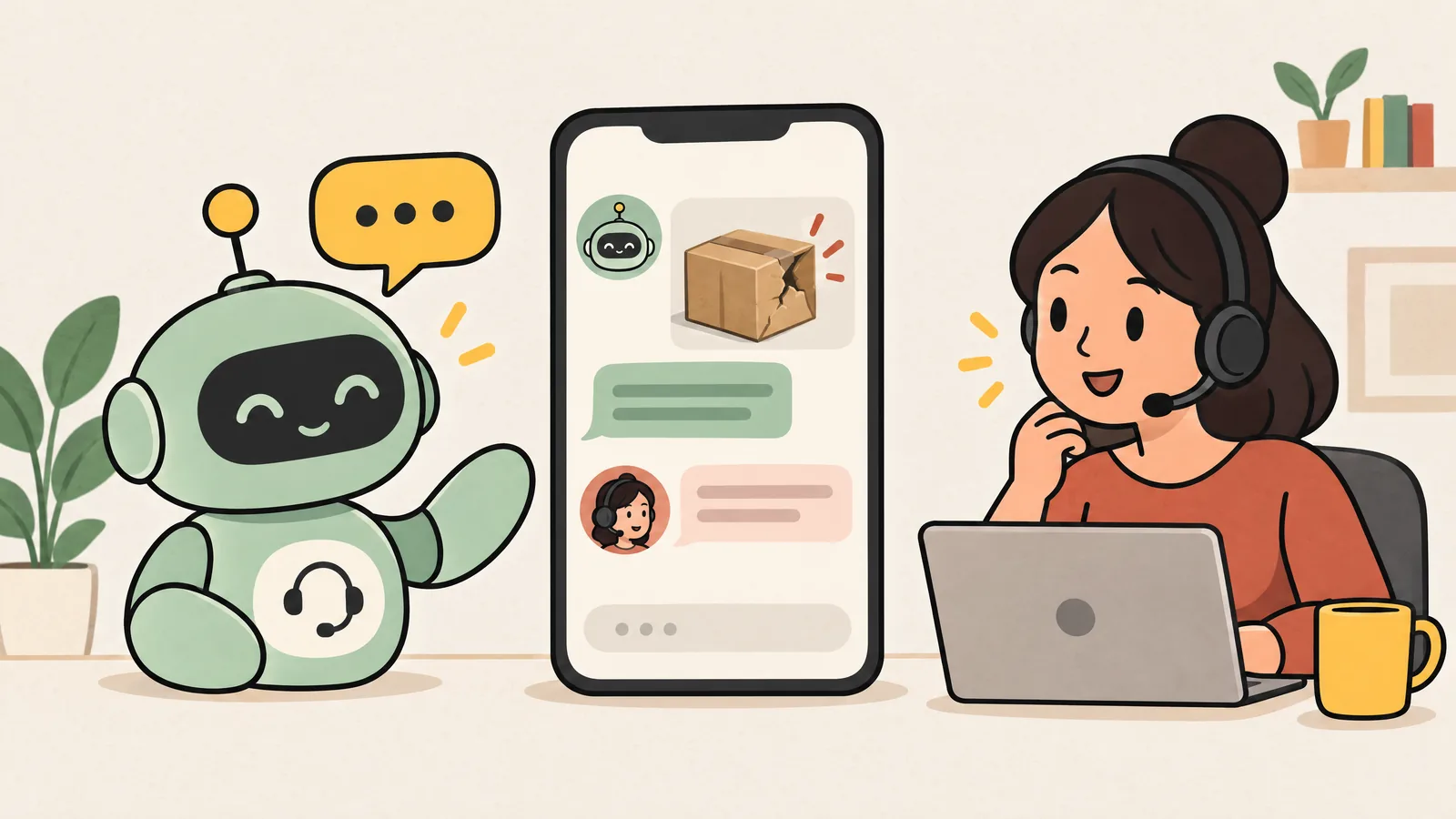
Chatbot vs live chat comes down to who replies: a chatbot answers automatically, while live chat connects your customer with a person. Bots suit repeatable questions with reliable answers; people are the safer choice for exceptions, complaints, and decisions that need judgment. A shared chat window can offer both.
The harder question is where to draw the boundary. A bot that quotes your shipping policy may save time. The same bot promising a replacement for a damaged order could create a problem if it doesn't have permission to do that.
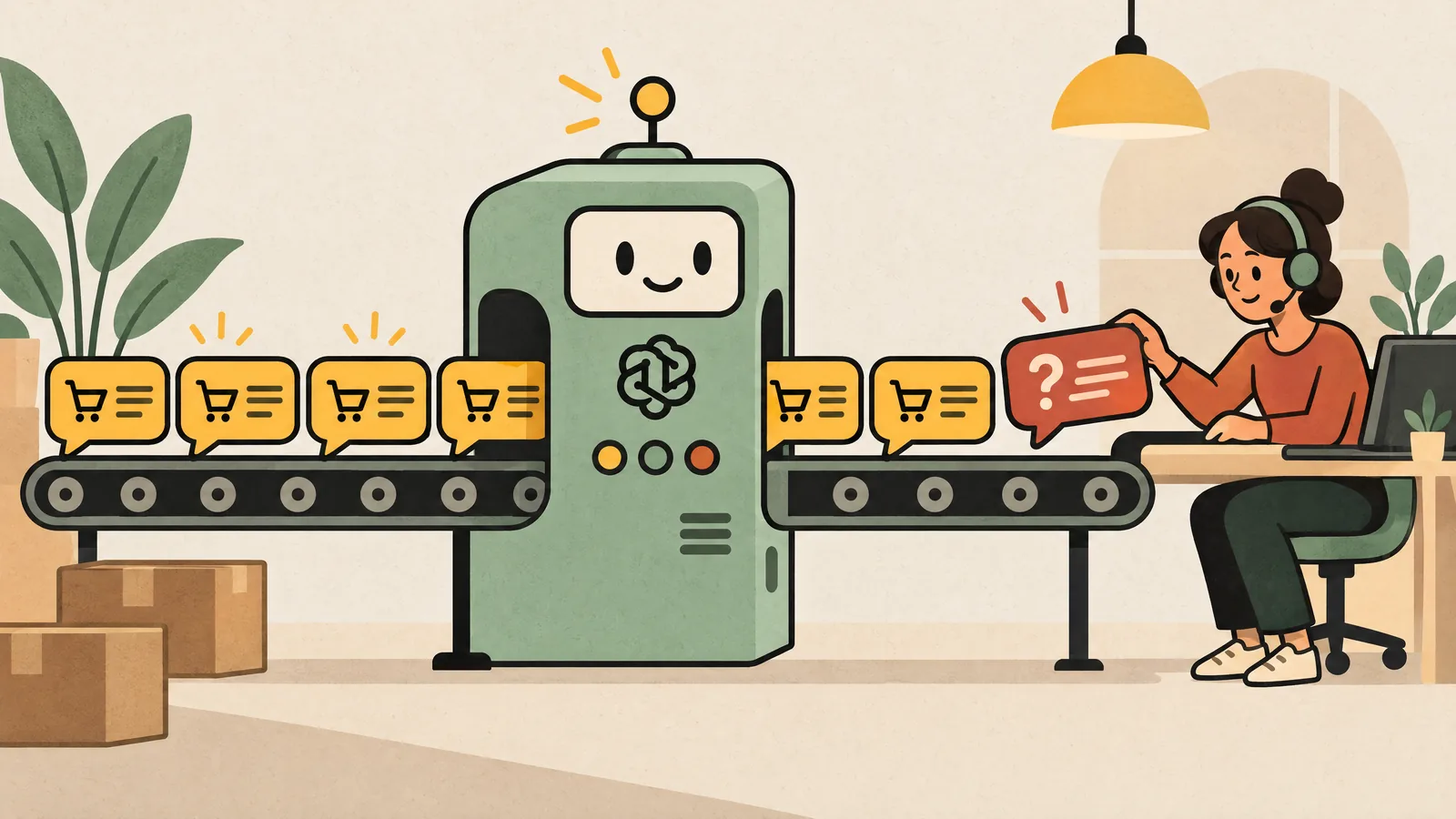
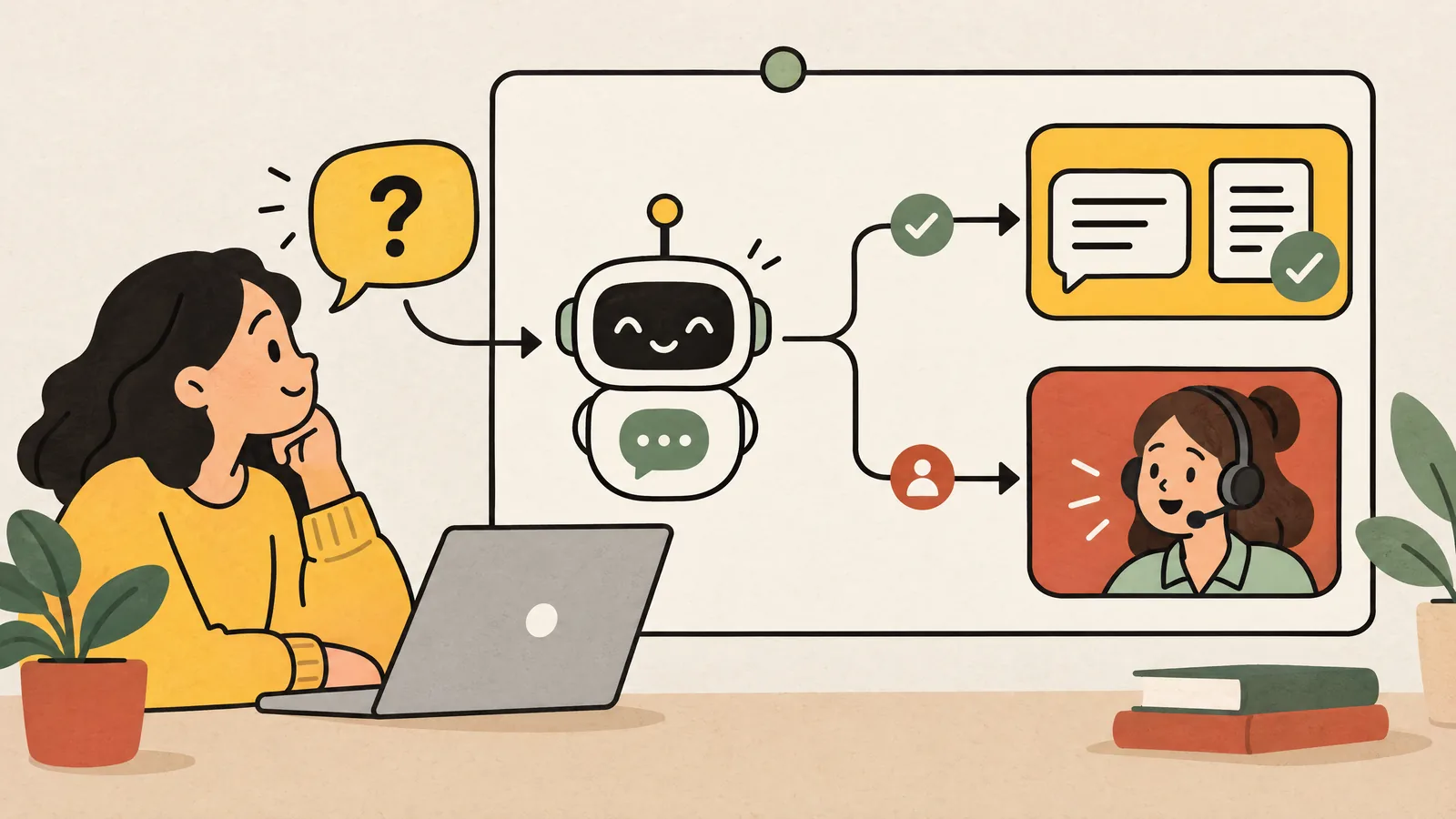
At txt.me, we combine an AI agent that answers from a business's own knowledge base with human operators who can receive the conversation and its context. That combination makes the routing decision concrete: which requests can software finish, and which need a person with the authority to act?
Chatbot vs live chat: what changes for your customer?
A visitor sees a chat bubble and expects help. They don't necessarily know whether the next reply comes from a script, an AI model, or someone sitting at a desk. That ambiguity matters when an answer sounds like a promise.
A chatbot is software that produces conversational replies. A rule-based bot follows preset options or keyword rules. An AI chatbot can interpret freer language and generate responses, but its wording may be more flexible than its access to business information. The CFPB's 2023 report describes these different chatbot approaches in its review of financial customer service. [1]
Human live chat means a person reads and answers the conversation. They may use saved replies or AI suggestions, yet they're responsible for deciding what to send. For customers, the meaningful distinction is whether the responder can understand the exception and take the next action.
| Question | Chatbot | Human live chat |
|---|---|---|
| When can it respond? | Outside office hours if the service is running | During staffed shifts |
| What information can it use? | Connected sources and permitted tools | Available records, policies, and colleagues |
| Where does it fit? | Defined questions and approved actions | Ambiguous requests and exceptions |
| What can go wrong? | Wrong answers, loops, unsupported promises | Queues, inconsistent answers, limited authority |
| What needs ongoing work? | Knowledge updates, testing, monitoring | Training, staffing, quality review |
The table isn't a guarantee of speed or accuracy. Your website chat widget is the interface; the staffing and rules behind it determine what customers actually receive. You can evaluate those separately instead of assuming a new interface fixes a weak support process.
The right boundary is the cost of being wrong
Say a candle shop in Tucson sells $32 jars and gets 400 website visits a day. Those are illustrative details, not customer results. One shopper asks whether an unopened candle can be returned. Another says the glass arrived cracked and the birthday party is tomorrow.
Both messages concern returns. They shouldn't follow the same path.
Routine answers need a dependable source
The unopened-candle question can stay with a bot if the published return policy clearly answers it. The response should explain the applicable conditions and link to that policy. If an order date changes eligibility, the bot needs verified order information or a transfer to someone who has it.
That last condition matters. A fluent reply doesn't prove that the bot knows the purchase date. For a small business, a narrow answer grounded in current policy is usually more useful than a broad answer assembled from assumptions.
NIST's 2024 Generative AI Profile calls confidently presented false content confabulation. Its discussion explains why generated language can sound convincing even when it's inaccurate. [2] A controlled knowledge base helps supply relevant facts, but it doesn't remove the need to test answers or restrict actions.
Your first automated topics can therefore be policies with clear limits: shipping regions, care instructions, or store hours. More open-ended conversational AI needs evaluation against the questions your customers actually ask, including missing information and conflicting policies.
Exceptions need authority, not friendlier wording
The broken candle introduces a deadline and a possible replacement. A person may need to check stock, approve expedited shipping, or offer another remedy. A sympathetic bot response won't solve those operational questions.
A useful routing rule assigns people any request involving a disputed charge, a complaint, or a policy exception. A direct request for a person should also trigger the human path. You don't need to wait until the conversation turns angry.
This approach has a trade-off: more cases may reach your team initially. But those cases reveal where the bot lacks information and where your policy genuinely requires discretion. They're valuable evidence for deciding what can be automated later.

Cost depends on completed work, not cheap replies
A bot subscription can look inexpensive beside payroll. The comparison becomes misleading if it ignores setup, failed conversations, and the employee who spends Friday correcting the help center.
A useful chatbot vs live chat budget starts with work that automation can genuinely remove. Monthly website visits alone won't tell you that. You need conversation volume, the topics involved, and the active labor each topic consumes.
Here's a hypothetical planning example, using assumed costs rather than market benchmarks. A store receives 1,200 conversations a month. Suppose automation fully resolves 600 routine conversations that would otherwise take six active agent minutes each, and the store values agent time at $25 per hour.
The working is: 600 × 6 ÷ 60 = 60 hours; 60 × $25 = $1,500 in monthly labor capacity. If incremental software costs $250 and monthly review takes five hours, review costs 5 × $25 = $125. The remaining capacity value is $1,500 − $250 − $125 = $1,125 per month, before setup and other costs.
That isn't automatically a payroll saving. If employees stay on the same shifts, you've freed time for other work. Cash savings require a real change in paid hours or avoided hiring. And if customers return because their questions weren't answered, the assumed 600 completed conversations must fall.
You can compare live chat pricing against this workload estimate, then add integration and maintenance costs. For a low-volume shop whose owner already answers chats, a human-first setup may cost less than maintaining automation nobody needs.
A handoff should carry the problem, not restart it
Customers notice a poor transfer immediately. They've entered their order number, described the cracked glass, and uploaded a photo. Then a human asks, “How can I help?”
A handoff is the transfer from automation to a person. Its quality depends on what the next agent receives, not on the animation announcing the transfer. The receiving agent needs enough context to continue without making the customer repeat the investigation.
A practical transfer record contains:
- The customer's request and the outcome they want.
- Relevant verified account or order details, with the verification status clear.
- What the bot already said, checked, or attempted.
- Attachments and the specific reason a person is needed.
The full transcript should remain available beside any summary. A generated summary can miss a detail, so the agent needs a way to check the original exchange. “Customer says the package never arrived” is different from “carrier confirms the package is lost.”
The receiving agent also needs authority. If they can't approve the replacement, a helpdesk ticketing system should route the case to someone who can, with an owner and a promised follow-up time. Otherwise you've moved the queue without advancing the resolution.
The CFPB's 2023 report documents repetitive chatbot loops and barriers to timely human intervention in consumer finance. [1] That evidence concerns financial services, but it offers a useful operational warning for other businesses: a transfer button is insufficient if the customer still can't reach effective help.

Availability needs an honest service promise
It's 11:40 p.m. in Denver, and a shopper asks to cancel an order before packing starts. Your bot is online. Your warehouse and support team aren't. Advertising round-the-clock chat could suggest more help than you can deliver.
A bot can acknowledge a request at any hour, but acknowledgment isn't cancellation. If it can only submit a request for review, it should confirm that submission and explain when a person will respond. If it can't submit the request, it needs to offer a working contact route. It shouldn't describe the order as canceled.
Live chat needs the same honesty. An unattended human inbox isn't live service merely because the widget remains visible. Published hours, a callback option, or a ticket confirmation gives the visitor a clearer expectation.
For a team without overnight staff, human support coverage can fill selected shifts. That still requires an agreed scope: which issues operators can resolve, what they can access, and what must wait for your own team. Coverage without permissions may only produce a longer conversation before the same delay.
Help also needs to be findable. W3C's 2023 WCAG 2.2 Recommendation, Success Criterion 3.2.6, requires repeated help mechanisms to appear in the same relative order across a set of pages, with specified exceptions. [3] It doesn't require round-the-clock staffing. For your site, keeping the help entry point predictable reduces the effort of finding assistance after a failed checkout.
Which setup fits your operation today?
A small inbox can make automation look more necessary than it is. Conversely, a team buried in repeated policy questions may assume it needs another hire before checking what those questions contain. Your current workload should decide the starting point.
A human-first setup makes sense when conversations are infrequent, products require consultation, or policies are still changing. You can record recurring questions while a person handles them. That builds a factual basis for later automation without asking a bot to interpret an unfinished policy.
A bot-first setup suits a defined queue of repeatable requests with stable answers and a working escalation route. It doesn't justify forcing every customer through automation. A shopper requesting a person can enter the human queue directly, while someone asking for care instructions can get an automated answer.
A combined setup earns its extra maintenance when both types of work occur often enough. There's another option within it: AI can suggest replies to agents without sending them directly to customers. That gives your team a review point before a response becomes a promise.
NBER's June 2023 research summary reports a 13.8% increase in customer issues resolved per hour when agents at one software company used an AI assistant. The agents could accept or ignore its suggestions. [4] This supports testing agent assistance; it doesn't establish what an autonomous bot will save your business.
A pilot should measure resolution and repeat effort
An instant greeting can make a dashboard look better while leaving customers stuck. First response time, or FRT, measures how long someone waits for an initial reply. An automated acknowledgment can shorten that number without answering the question.
For a first pilot, you can restrict automation to one documented topic, such as shipping policy, while leaving other requests with people. A comparison with your existing process then has a clearer meaning: you're evaluating a specific task rather than changing every part of support at once.
The pilot needs a written definition of success. For a policy question, that might mean an accurate, relevant answer with no repeat contact about the same unresolved issue during your chosen follow-up window. For a cancellation, success requires confirmation from the system that controls the order.
Containment means a conversation stayed with the bot without a human transfer. It isn't proof of resolution; someone who gives up may also remain “contained.” Your review should pair containment with repeat-contact checks and a sample of transcripts, including conversations that ended abruptly.
You can track the result alongside other customer service metrics, but the routing errors deserve separate attention. Did a routine question transfer unnecessarily? Did a complaint stay with automation? The second mistake may matter more even if it happens less often.
A mistaken promise about money is a reason to pause that automated topic. Expanding only after the team understands failures keeps the next test tied to evidence rather than a flattering overall average.
The winning setup gives every exception an owner
A customer with a broken candle doesn't care which system produced the first reply. They need to know who can fix the order and what happens next.
For a repeatable, documented question, automation can be a sensible first responder. For an exception, a person needs enough context and authority to act. Neither route works well without current information, and human involvement alone won't repair a missing policy.
Your next support review can focus on one unresolved conversation: where did progress stop, and who had permission to move it forward? Fixing that boundary gives you a more useful purchasing criterion than the number of replies a system can send. Every request needs a route to an answer; every exception needs an owner.