Chatbot Script: Practical Templates and Handoff Rules
Plan useful bot conversations with ready-to-adapt messages, a damaged-order example, and clear rules for passing customers to a person.

A chatbot script is a written plan for what a bot says, which questions it asks, and how the conversation changes after each answer. It covers greetings, replies, recovery messages, and human handoff conditions. For an AI-powered bot, that plan also sets limits on what it may answer or promise.
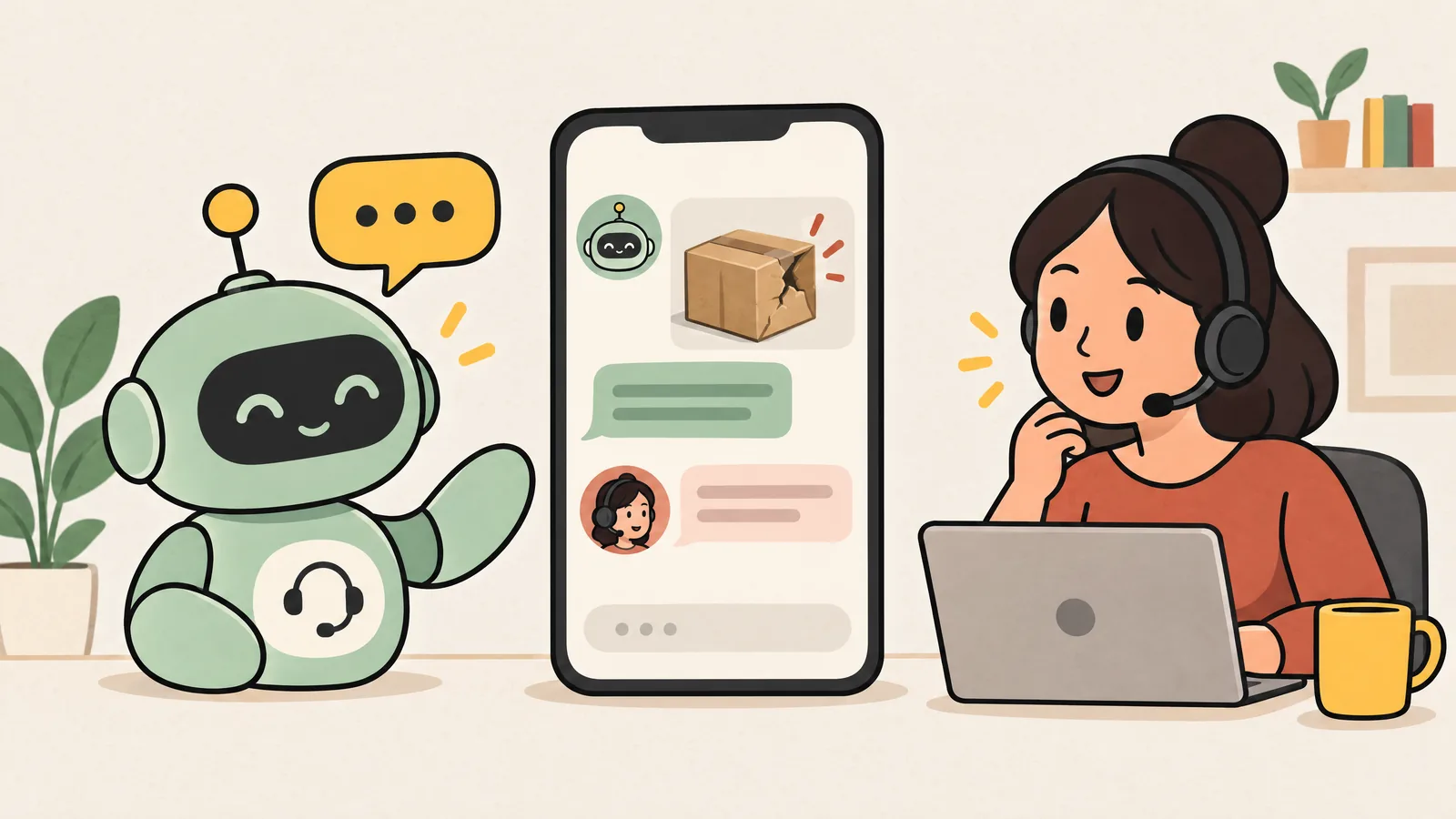
The hardest line to write often comes after “My order arrived broken.” A friendly greeting won't help if the next message asks the customer to start over. Your script needs a useful next step for that moment, including when the bot can't finish the job.
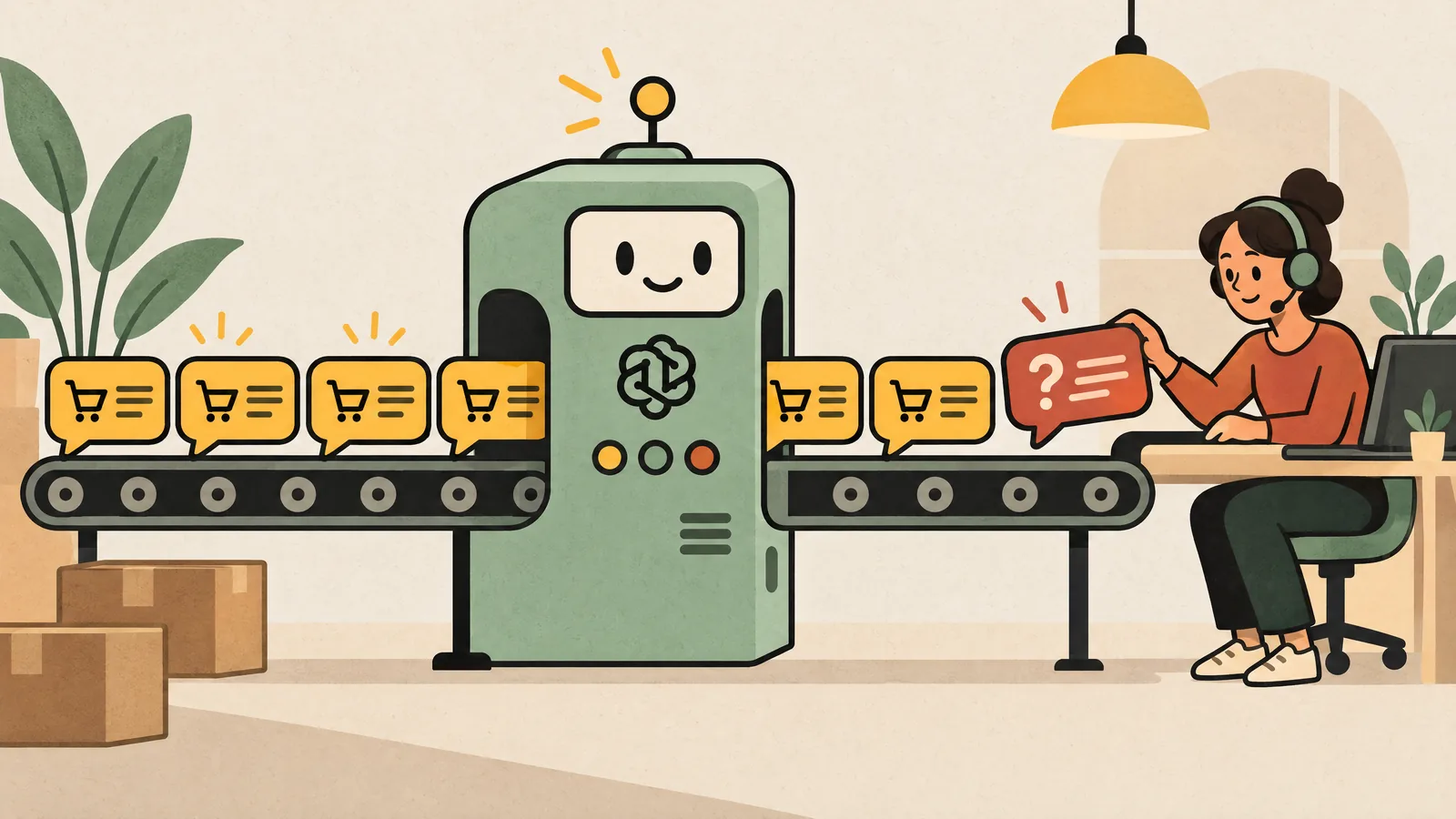
txt.me is a US live chat platform that combines AI answers from a business's knowledge base with human operators who can take over with the conversation context. That combination makes the human backup part of the writing job: the bot's last message should prepare the person's first.
What belongs in a chatbot script?
A document full of polished replies can still leave customers stranded. “Thanks for reaching out!” sounds fine until someone types “Cancel that” halfway through an order lookup. The missing piece is a rule explaining what happens next.
A usable conversation plan pairs each message with a condition and an outcome. For example, an order-status reply requires a verified order lookup; a failed lookup needs a recovery path. The writing and the underlying action belong together.
Your working document can capture these fields:
- Customer intent: the task, such as locating a package or asking about candle ingredients.
- Entry condition: the page, selected option, or message that starts the path.
- Required information: only the details needed for this task.
- Approved response: the message and its supporting policy or data source.
- Exit condition: confirmed completion, a different task, or a human handoff.
“Intent” means what the customer wants to accomplish. It's different from a keyword: “Where's my box?” and “Tracking hasn't moved” may both concern delivery, but the second may need an exception path.
This isn't a programming tutorial. A conversation script specifies behavior; implementation still requires buttons, data connections, and checks. A saved reply, often called a canned response, covers one message. The plan explains when that reply is appropriate.
One job needs an honest opening
Say a candle shop in Tucson sells $28 glass-jar candles and gets 400 website visits a day. These are hypothetical details, not customer results. Its owner wants one bot to recommend scents, locate packages, resolve damage, and capture wholesale inquiries.
That's too much for a first draft. A narrower starting point is helping customers report a damaged delivery, with a named person responsible for reviewing the report. Success means the report reaches that person with enough context to act. A replacement is a separate outcome that requires approval.
The opening should describe that boundary:
Bot: “Hi, I'm the shop's automated assistant. I can help with product questions or collect details for our support team. What do you need help with?”
For a damage-specific entry point, the customer has already told you why they're there:
Bot: “I'm sorry your candle arrived damaged. I can collect the details for our support team, or you can ask for a person now.”
The second message avoids an unnecessary menu. It also doesn't pretend that collecting a report equals resolving it. Your welcome message should match what the assistant can actually do, including the availability of people.
A proactive greeting on a product page needs a different purpose from a reply inside an existing complaint. Reusing the same cheerful opening everywhere can make a support conversation sound like a sales pitch.
A reusable template with branching conditions
Generic templates become risky when you paste them into a bot without checking their promises. “I've processed your refund” requires actual processing. And “Someone will reply shortly” commits your team to a response, even without a specific time.
The following template separates customer-facing copy from implementation notes. Bracketed fields are placeholders, not words to display. Each action needs a real connection or an assigned staff process before the wording is safe to use.
Greeting and task selection
Bot: “Hi, I'm the automated assistant for [business]. I can help with [supported tasks]. What would you like to do?”
Options: “[Task A]” / “[Task B]” / “Talk to a person”
If the customer has already described the problem, their message can start the relevant path without another menu. Buttons offer a quick route; a text option gives people a way to explain an unusual situation.
The next necessary detail
Bot: “What's your order number? It's in your confirmation email. If you don't have it, choose ‘I can't find it.’”
A separate secure verification step may be necessary before exposing order details. An order number isn't proof of identity. The script can explain why verification is needed without asking customers to send passwords in chat.
W3C's WCAG 2.2 recommendation (2023), Success Criterion 3.3.2, requires labels or instructions when content needs user input. [1] Applied here, a useful question names the requested detail and explains where to find it. That reduces guessing; it doesn't by itself make the whole chat accessible.
A checked answer
Bot: “The latest carrier update for your verified order is [status] at [time and time zone]. Here's the tracking link: [link].”
This message belongs only after a successful lookup. If the system can't reach the carrier, the failure message should say that. A plausible delivery date isn't a substitute for current data.
Recovery or transfer
Bot: “I couldn't retrieve the tracking update. You can try again, or I can send this conversation to our support team.”
The recovery path changes the next action rather than repeating the same request. If a person isn't available, the bot needs an offline message with a verified response window or no time promise at all.
Worked example: a candle arrives with cracked glass
A customer writes, “The jar broke, and it's a gift for tomorrow.” A delivery-status answer misses the task. The customer wants help with damage and has added a deadline that a standard policy may not cover.
Here's a hypothetical flow for a shop whose policy assigns all damage complaints and replacement decisions to people. The bot acknowledges the issue, offers a human immediately, and collects details only if the customer chooses that option.

Customer: “The jar broke, and it's a gift for tomorrow.”
Bot: “I'm sorry the glass arrived broken. Our support team needs to review replacement requests. Would you like a person now, or shall I collect the details first?”
Customer: “Collect the details.”
Bot: “What's your order number? If you can't find it, I can still pass your message to the team.”
Customer: “[Order number]”
Bot: “Thanks. You can attach a photo if you already have one. You don't need to handle broken glass to take it.”
Customer: “I don't have a photo.”
Bot: “That's okay. I'll pass on that the jar arrived broken and that you need the gift tomorrow.”
The last line assumes the transfer process is about to run. Confirmation has to follow the action. If transfer fails, the bot should explain the failure and offer another contact route instead of displaying a success message.
Several branches need their own rules. A missing order number shouldn't erase the report. An unavailable attachment shouldn't block the human route unless a real policy requires that evidence, in which case the bot should explain the requirement and offer help.
The deadline stays in the handoff summary. It doesn't become a promise of overnight shipping. That's the distinction your support lead needs to approve before launch.
Policy rules stay separate from generated wording
An AI assistant can sound certain while using the wrong policy. For example, an old help article might describe free replacements while the current policy requires staff review. More conversational phrasing won't fix that conflict.
NIST's Generative Artificial Intelligence Profile (2024), section 2.2, describes confabulation as generating and confidently presenting erroneous or false content. [2] For support writing, the practical response is to constrain consequential claims and check their sources, rather than trusting a confident tone.
Fixed rules work well for refunds, eligibility, and account changes. Generated wording can explain those rules. It shouldn't decide an exception without an authorized process, even if the customer asks repeatedly for a different answer.
A working instruction might read:
Internal instruction: “Explain the current published damage policy. Don't approve refunds or replacements. If the customer requests either, or the policy doesn't answer their situation, offer a human handoff. Preserve any deadline the customer mentions.”
This instruction supports the flow. But AI instructions can't enforce permissions. Access controls must prevent unauthorized actions, while testing checks that the bot transfers cases without an approved answer rather than inventing one.
Every policy-dependent path benefits from a named owner and a review date. Someone has to own each change. When a shipping cutoff changes, that person can update the source and rerun the affected tests instead of relying on someone else's memory.
Human handoffs need a script of their own
“Connecting you” is frustrating when nobody connects and the customer receives no explanation. A handoff means passing the conversation to a person; its script needs to describe both the transfer and the fallback if the transfer can't happen.

For an available operator, the draft can say:
Bot: “I'll pass this conversation to our support team. They'll see what you've shared, including that the candle is a gift for tomorrow.”
For an offline team, the wording changes:
Bot: “Our support team is offline. I can create a ticket with this conversation. Which email address should they use to reply?”
Only a successful ticket creation should trigger “Your ticket has been created.” A helpdesk ticket needs an owner or queue, rather than becoming an unassigned record that nobody checks.
The operator's private summary should distinguish customer statements from verified facts. “Customer reports cracked jar; order number provided but not verified; no photo attached; gift needed tomorrow; no replacement approved” is more useful than “Unhappy customer.”
Transfer rules should cover explicit requests for a person, complaints involving money, and questions outside approved knowledge. A person request shouldn't trigger another qualification loop. You can preserve the route even when immediate staffing isn't possible by explaining the available contact option.
Less data needs a clearer reason
A wholesale inquiry doesn't need the same fields as a damage complaint. Asking every visitor for a phone number, address, and company name adds work before you've established a reason for collecting them.
The FTC's Start with Security guide (first issued in 2015) advises businesses against collecting personal information they don't need and against keeping it without a legitimate business need. [3] [4] That gives your writing team a useful test: can you explain what this field enables?
For a lead form, “Which email address should we use to send the wholesale information?” connects the request to the customer's task. Marketing subscriptions should be a separate choice, not an assumption attached to a support request.
Data minimization needs implementation too. A short script won't help if the application retains unnecessary personal information indefinitely. Your team should agree on retention and access rules for transcripts and attachments before collecting them.
Awkward paths reveal what a demo misses
A script may pass a tidy demo while failing on “idk,” a blank field, or an order number copied with extra spaces. Those inputs expose whether the conversation can recover without blaming the customer.
A useful test set includes an ordinary successful request, an unsupported question, a lookup outage, and an immediate person request. The damage flow also needs cases for no photo, no order number, and a changed deadline. Fictitious customer details keep these tests separate from live customer records.
For detected input errors, W3C's WCAG 2.2 (2023), Success Criterion 3.3.1, requires identifying the error and describing it in text. [1] “That order number format wasn't recognized” is clearer than a red outline alone. A helpful recovery message then explains the accepted format or offers another route.
Metrics can be misleading. Containment means a conversation ends without a human joining; that doesn't prove the customer's task was completed. A customer who leaves after two failed lookups may appear contained.
Suppose a test contains 40 damage-report conversations and 30 reach the intended support queue with the required details. The completion rate is 30 ÷ 40 × 100 = 75%. That's a hypothetical test result, not a target or industry benchmark. The remaining cases need review before you decide what to change.
Your customer service metrics should separate successful reports from abandoned chats and failed transfers. So the test set stays consistent. Rerunning it after a change helps identify improvements, while monitoring live results reveals customer situations that your original examples didn't cover.
A clear exit is part of a useful conversation
The next improvement to your chatbot script may be one honest sentence: “I can't approve that, but I can pass your request to a person.” It protects the customer from an invented promise and tells your team what responsibility moves next.
A practical first release covers one real task with a working recovery path. More branches can wait. The customer's route out of a failed answer can't.