Chatbot for Small Business: A Practical Setup Guide
A practical guide to choosing a small-business chatbot, setting answer limits, calculating costs, and testing the handoff before customers depend on it.
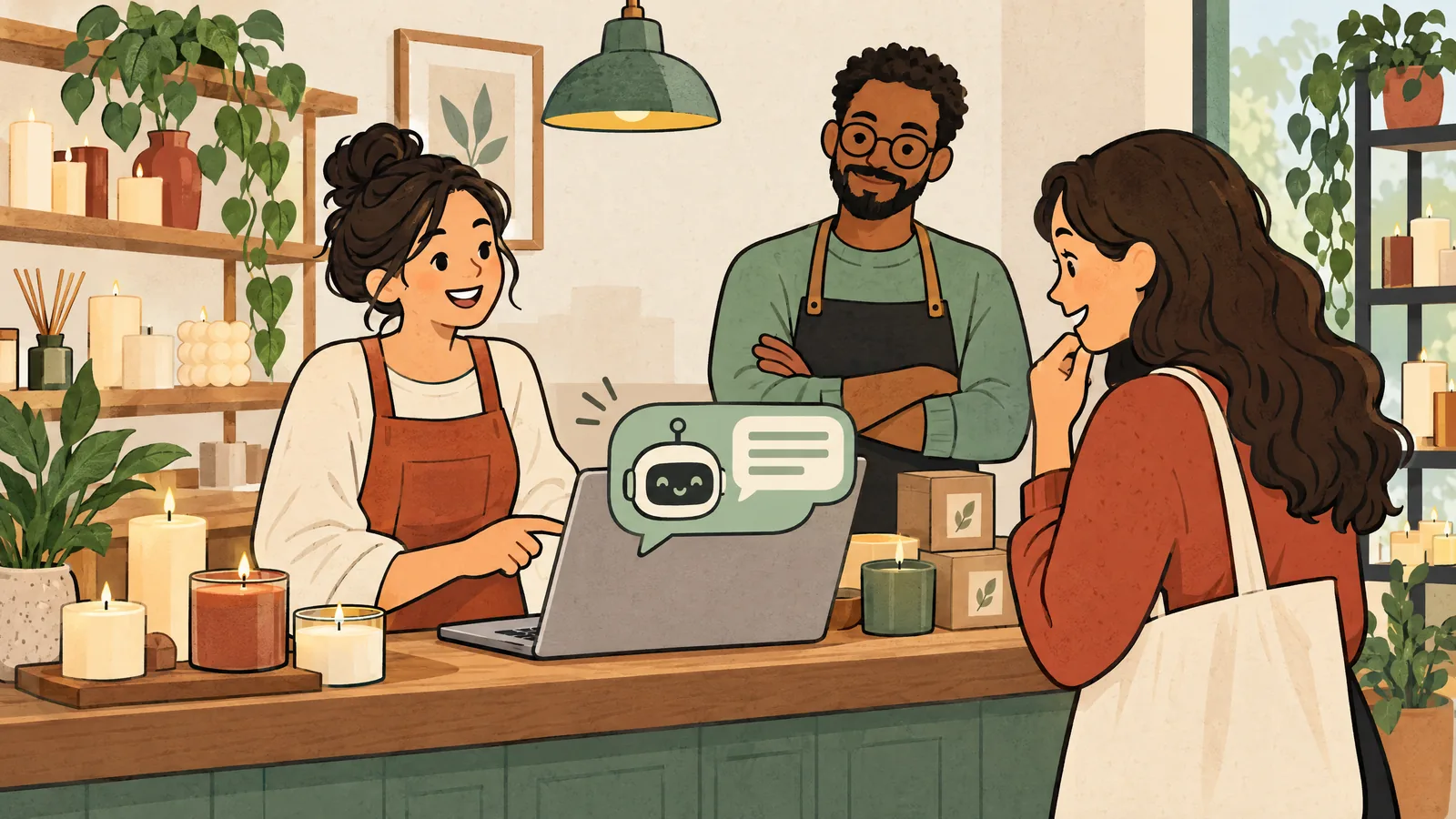
A chatbot for small business is software that answers customer questions through a chat interface, using fixed rules or AI connected to business information. It can explain shipping policies, collect a callback request, or answer a repeated product question. For a small team, the useful version handles predictable requests and gives customers a clear route to a person when judgment is needed.
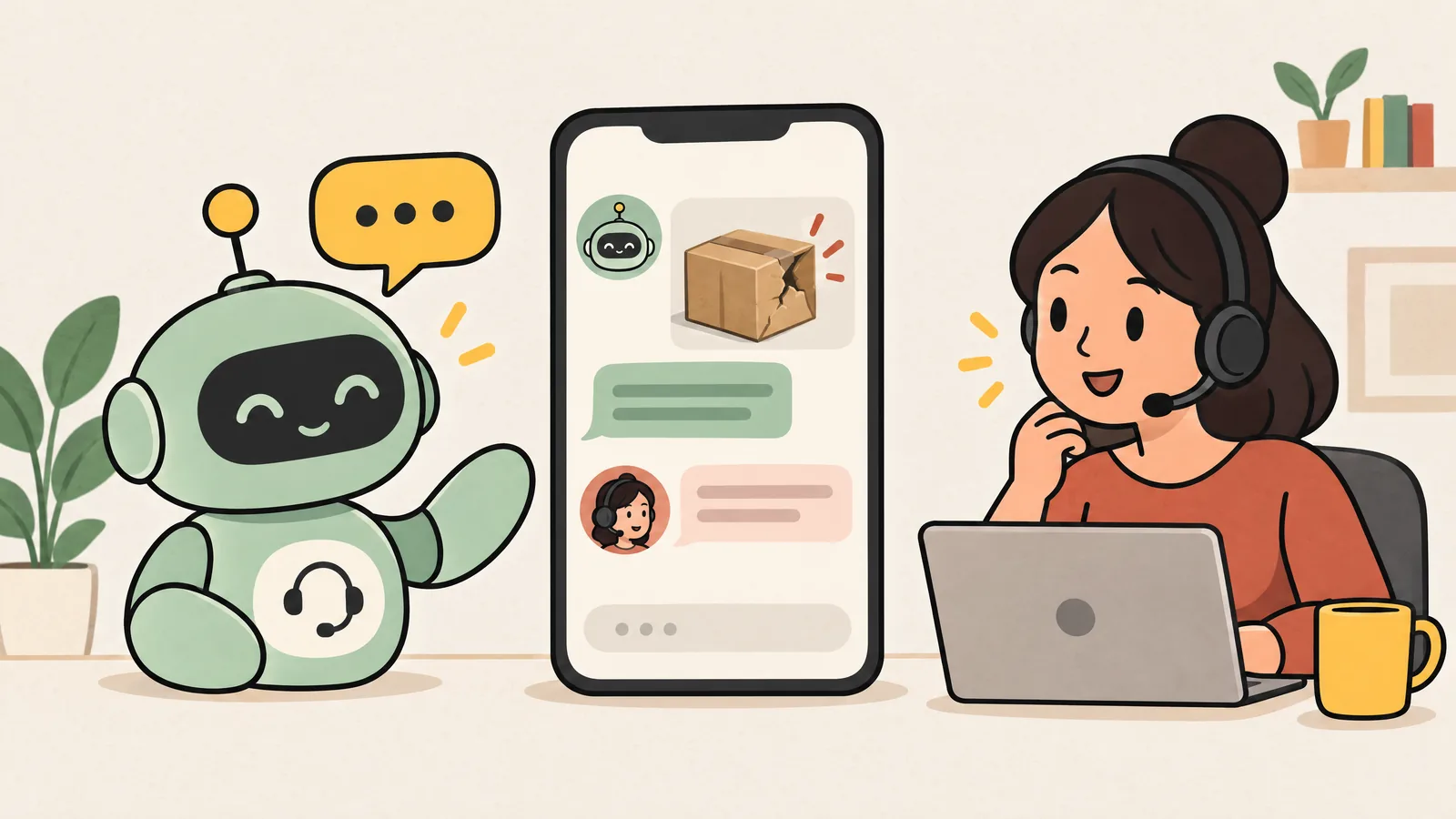
Say you run a candle shop in Tucson, Arizona, with a $28 gift set and 400 website visits a day. A shopper asks about weekend delivery while you're packing orders. Another reports melted candles. Those chats need different treatment, even if both mention shipping. That distinction should shape your purchase.
That's the model behind txt.me, a US-based live chat platform that combines an AI agent answering from your business's own knowledge base with human operators who can take over with the conversation's context. The same operating question applies to any provider: what may the software answer, and who owns everything else?
What should a chatbot for small business actually do?
A convincing demo can hide a weak fit. Your visitors might ask five versions of the same delivery question, while the sales demo spends its time booking appointments you'll never offer. You'll pay for capability without recovering much working time.
A better starting point is a sample of recent conversations. You can label each by the customer's goal, then note whether the answer was already documented. Repetition alone isn't enough. A repeated refund dispute still needs someone with authority to make a decision.
The following division gives you a useful first scope:
| Customer request | Suitable first response | Boundary |
|---|---|---|
| General delivery window | Explain the approved policy | No invented arrival date |
| Product dimensions | Answer from the product record | No guesses about missing details |
| Callback request | Collect the requested contact details | No extra marketing enrollment |
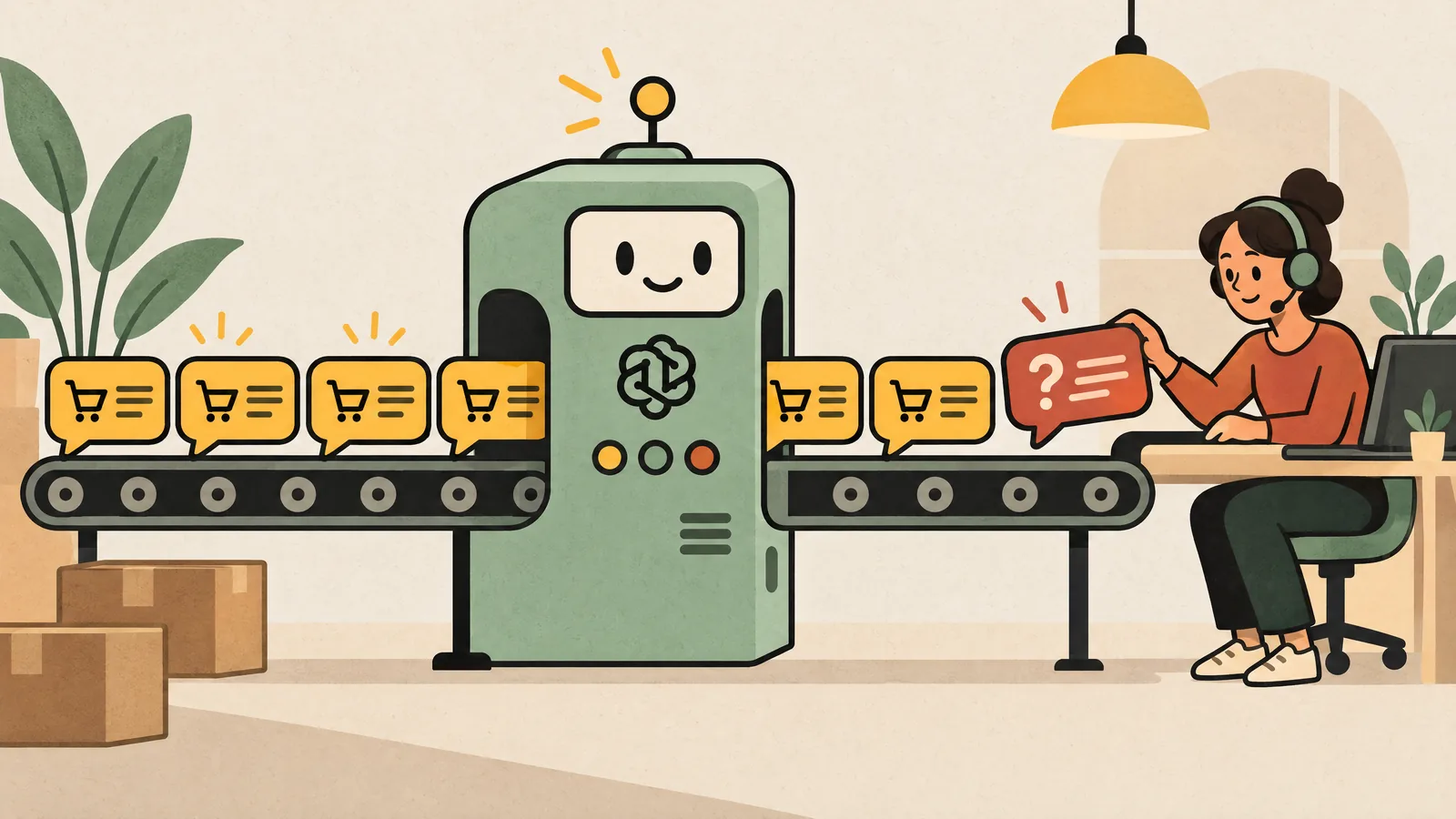
| Damaged order or refund exception | Pass to a person | No promise of compensation |
This is a permission map: a written agreement about what the bot may do. It's more useful than a long feature checklist because it connects each capability to a real customer need.
If you don't yet know which questions repeat, chatbot versus live chat is a useful starting comparison. A short period of human chat can reveal the material you should automate. Some businesses should start there.
Choosing rules, AI, or a combination
Customers rarely use your menu labels. A visitor who writes, "Will this survive a Phoenix porch?" may be asking about heat damage, packaging, or delivery timing. A button labeled "Shipping" won't necessarily capture that question.
A rules-based bot follows predefined choices and conditions. It's suitable for a narrow task, such as asking which location a customer wants to contact. The trade-off is coverage: you have to anticipate the paths yourself, and customers can get stuck between categories.
An AI chatbot interprets free-form questions and can produce answers from approved business documents. That flexibility helps with different wording. But fluent language doesn't guarantee a correct answer, and document access doesn't automatically prevent unsupported claims.
NIST's 2024 Generative Artificial Intelligence Profile describes confabulation as generating and confidently presenting erroneous or false content. [1] A small-business example would be a bot inventing a holiday delivery guarantee that your shipping page never made.
For a first rollout, you can combine predictable collection steps with AI answers inside a limited subject area. A contact form can collect a callback number; AI can explain the published delivery policy. Neither needs permission to approve a refund. Your choice should follow the task, rather than a preference for the newest technology.
Good answers start with approved business information
Your website might say returns are accepted within 30 days, while an old PDF says 14. A human might notice the mismatch and ask the owner. A bot may retrieve the wrong document or combine conflicting instructions.
The fix begins before installation. You can create one approved answer record for each launch topic, including the answer, its source, the person responsible for it, and the date it was checked. That gives your team a way to correct information without guessing which copy controls the response.
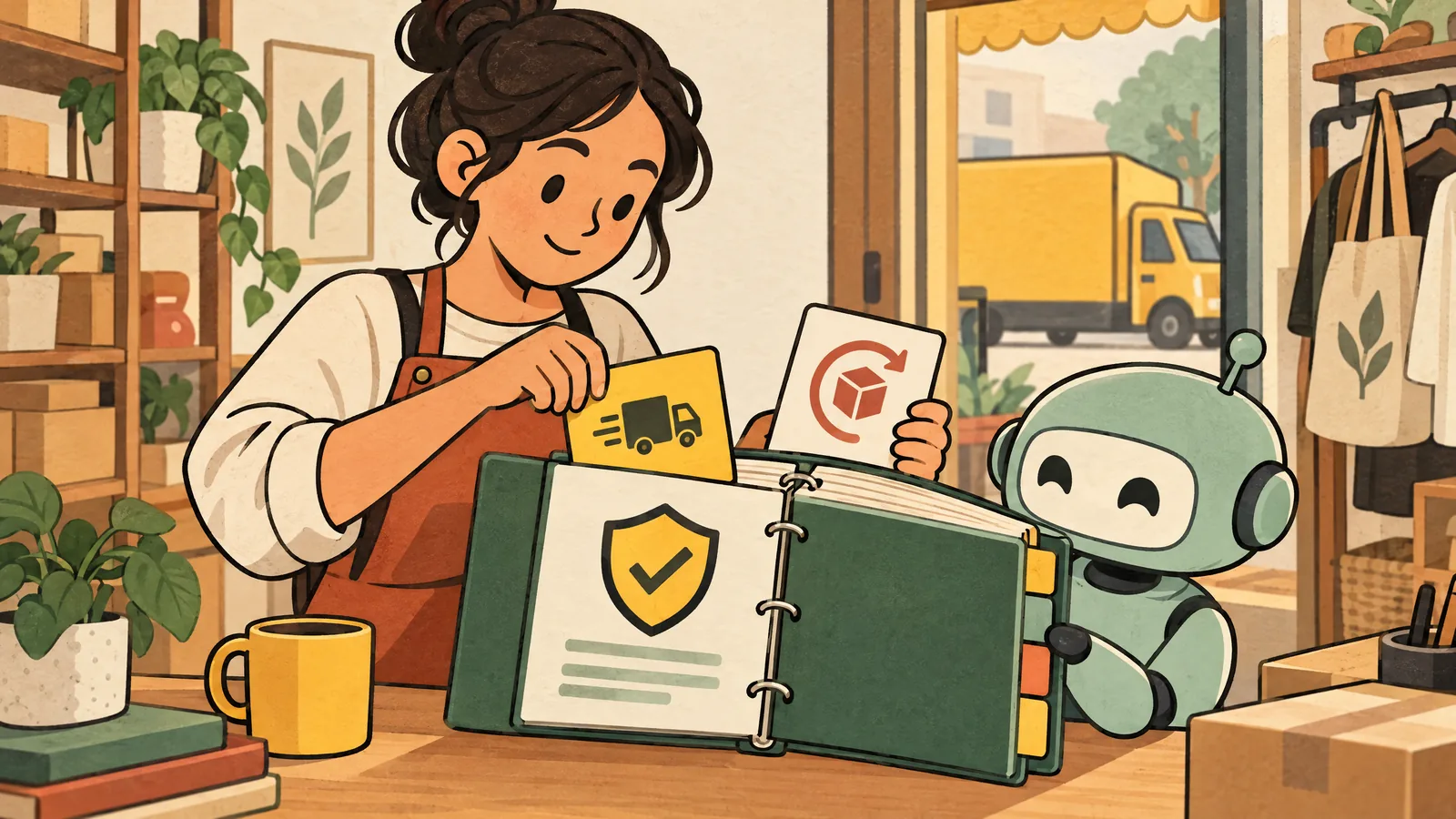
For the candle shop, a heat-damage record could distinguish prevention advice from claims handling. The bot can repeat published storage guidance. A customer reporting a damaged delivery should reach a person who can inspect the order and decide what happens next.
Policy knowledge isn't live order knowledge
An FAQ explains the rules. It doesn't reveal where order 8427 is now. Specific order status needs a current connection to your order system and suitable identity checks before private details appear in chat.
Without that connection, "Your parcel should arrive tomorrow" is an unsupported guess. A safer response explains that the assistant can't see the order and offers a human follow-up. You haven't solved the request yet, but you haven't misled the customer either.
A useful acceptance test asks the same policy question in different ways, including a false assumption: "Your free overnight shipping covers Alaska, right?" The bot should correct the premise from the approved record or admit that it can't verify it. Agreeing politely would be a failure.
A human handoff needs an owner and a next step
A "Talk to someone" button can still leave customers waiting without a plan. If nobody checks the inbox until Monday, a Saturday refund request has become a hidden backlog. The customer doesn't know that.
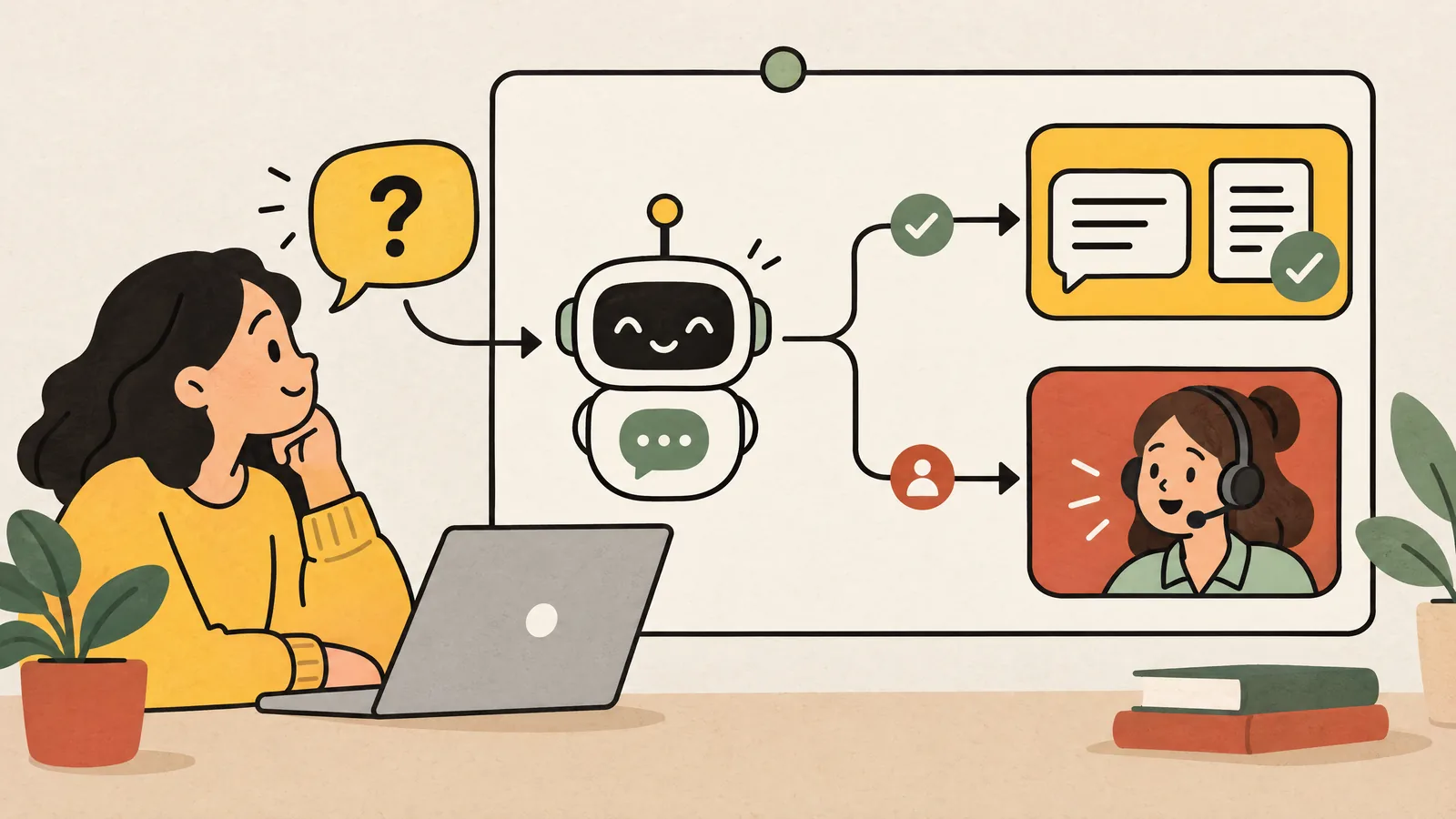
Handoff means transferring responsibility for the conversation from the bot to a person. You can define it around observable events: a request for a human, missing evidence, a complaint, or a question requiring authority over money. A model's confidence score isn't a substitute for those business rules.
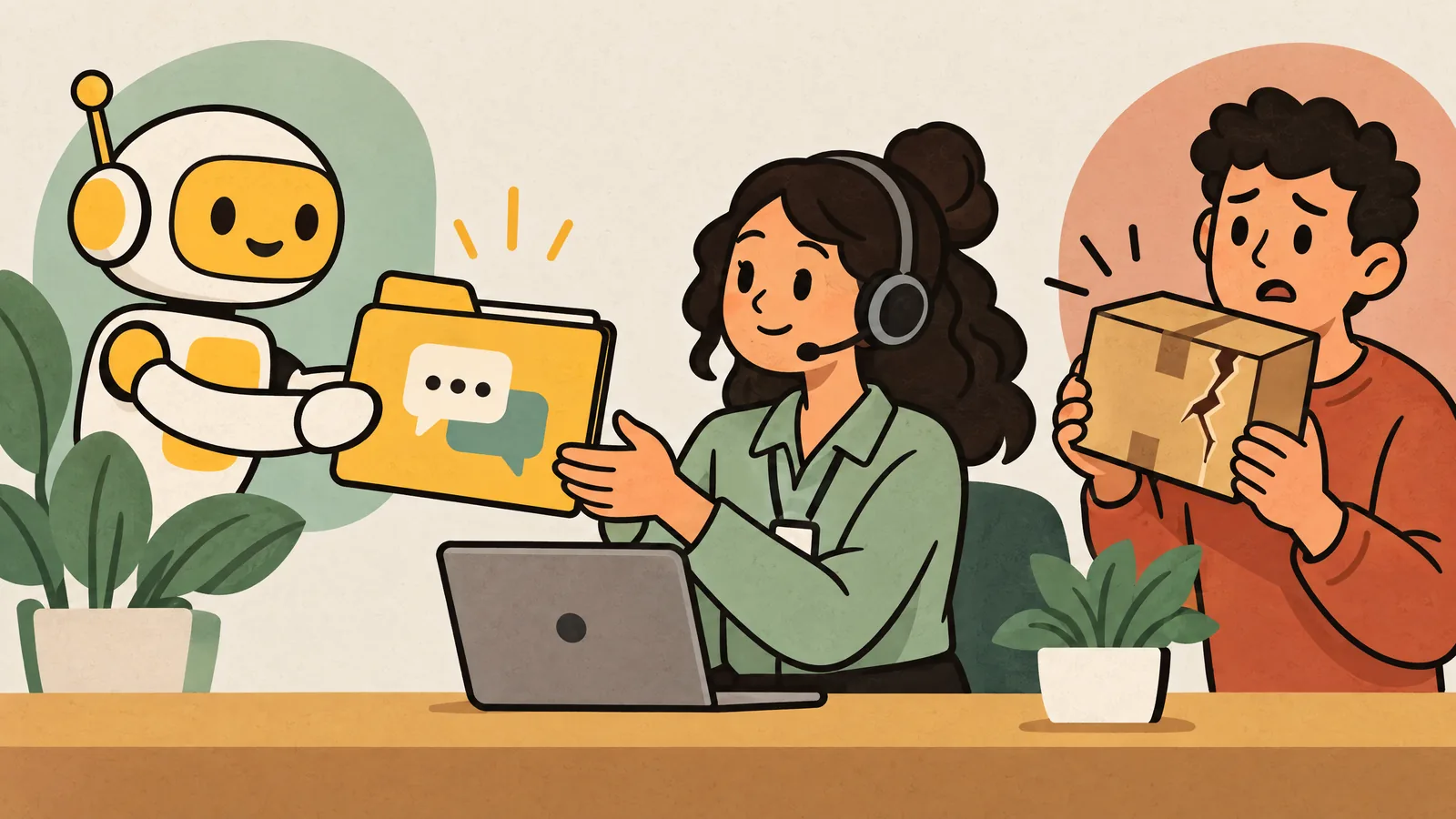
The person should receive the transcript and the question still unresolved. If an order reference was provided, it should travel with the chat rather than being requested again. An automated summary can help, but the transcript should remain available because a summary can omit a detail that changes the decision.
A helpdesk ticketing system gives unresolved work a place to live beyond the chat window. For a two-person shop, the rule might be that the morning shift owns all overnight tickets until they're answered or reassigned. Named ownership prevents each person from assuming the other has handled them.
Outside staffed hours, the bot can explain the response window your team can actually meet and ask for a contact method. "We'll reply by noon tomorrow" works only if someone is scheduled to do it. Otherwise, a specific business-hours promise is more honest than announcing an agent who isn't there.
What does the monthly cost really include?
The cheapest advertised plan can become expensive once you add AI usage, extra seats, or hours spent repairing answers. You'll also have a one-time setup cost, even if the software installation itself is quick.
A fair comparison uses the same workload for each option. You can list the subscription, any usage allowance and overage charges, paid integrations, maintenance time, and required human coverage. The live chat pricing page illustrates why software seats and human operator hours need separate lines in a budget.
Here's an illustrative calculation for the Tucson shop, not a forecast or a txt.me quote. Suppose it gets 400 visits daily for 30 days, 2% of visits start a chat, and half those chats are safely resolved by automation. Assume each would otherwise take four minutes of staff time valued at $25 an hour.
The working is: 400 × 30 × 0.02 × 0.50 × 4 ÷ 60 = 8 staff hours, worth 8 × $25 = $200. If the assumed software bill is $60 and monthly maintenance takes two hours, the time-based net value is $200 − $60 − (2 × $25) = $90 before setup costs or other expenses.
That's a modest result. It also depends on every assumption holding. If the bot creates correction work, those minutes belong in the calculation. And saved time isn't automatically cash saved: your payroll may stay unchanged while staff gain capacity for packing or selling.
You can run the calculation again using pilot results, rather than raising the automation assumption until the purchase looks attractive. A tool that saves little time may still cover useful after-hours questions, but that benefit needs its own evidence.
Privacy and accessibility belong in the buying decision
A chatbot can collect information your business never needed. A shopper may paste a payment card number while asking about a failed purchase, or your pre-chat form may demand a phone number for a basic delivery question. Both create avoidable handling work.
The FTC's Protecting Personal Information: A Guide for Business recommends keeping only information needed for a legitimate business purpose and limiting how long it's retained. [2] Applied to chat, that supports shorter forms, restricted transcript access, and a written retention policy rather than saving every conversation forever.
You can ask providers who processes chat data, whether it's used to train shared models, and how deletion works across stored transcripts and exports. The answers should be in writing. If nobody can explain where customer information goes, you're missing evidence needed to approve the purchase.
Contact collection should match the request. An email address makes sense for a promised follow-up; it shouldn't be required to read a public returns policy. Marketing consent is a separate decision, so a callback request shouldn't silently become a promotional subscription.
Accessibility creates another buying test. A chat widget that blocks checkout on a phone or traps keyboard focus can make support harder to reach. A clean appearance won't reveal those problems.
W3C's December 2024 WCAG 2.2 recommendation includes keyboard operation in criterion 2.1.1, avoiding keyboard traps in 2.1.2, and programmatically available status messages in 4.1.3. [3] For your pilot, someone should try opening, using, and leaving the chat with a keyboard, then check whether assistive technology announces relevant waiting or sent-message status. These checks don't establish full WCAG conformance; they can expose reasons to reject an otherwise attractive widget.
A small pilot reveals more than a polished demo
Launching on every page makes it harder to discover why a bot failed. Was the question outside its scope, the policy outdated, or the handoff queue unattended? You'll have several variables changing at once.
A narrower pilot gives you a cleaner diagnosis. You can begin with one group of common questions on a suitable page and keep your existing support route visible. Installation instructions in the help center can handle the technical connection; your team still needs to test the actual customer journey.
Before launch, a written test set can include normal wording, spelling mistakes, contradictory policies, person requests, and missing order data. Each test needs an expected answer or expected handoff. NIST's 2024 profile recommends evaluating output against known ground-truth information. [1] Here, your approved policies provide that reference.
Measure completed help, not silence
A dashboard may count a chat as contained because no human joined. Containment means the conversation stayed with automation. It doesn't prove the customer received a correct answer; they may have left because the bot kept repeating itself.
You can review completed conversations and label the outcome separately: correct resolution, appropriate handoff, unsupported answer, or abandonment with no confirmed result. Resolution should reflect the customer's request, not merely the last message sent.
First response time, often shortened to FRT, measures how long the customer waits for the first reply. A quick greeting can improve that number while the useful answer still takes hours. Tracking time to a useful answer alongside handoff waiting time makes that gap visible.
For a low-volume pilot, reviewing every conversation may be practical. At higher volume, a sample plus review of flagged failures can reduce the workload. NIST's 2024 profile also recommends post-deployment monitoring. [1] The sensible consequence is a recurring review, especially after a policy change, rather than treating launch-day testing as permanent proof.
Human ownership makes a small bot worth using
Your first chatbot doesn't need broad authority. It needs a useful job that your business can describe, support, and check.
A workable launch decision is specific: the bot answers approved delivery questions, sends damaged-order complaints to the named support owner, and explains what happens outside staffed hours. You can expand its scope when reviewed conversations justify that change. Until then, a smaller bot with reliable limits is a better purchase than a bigger promise nobody has time to supervise.